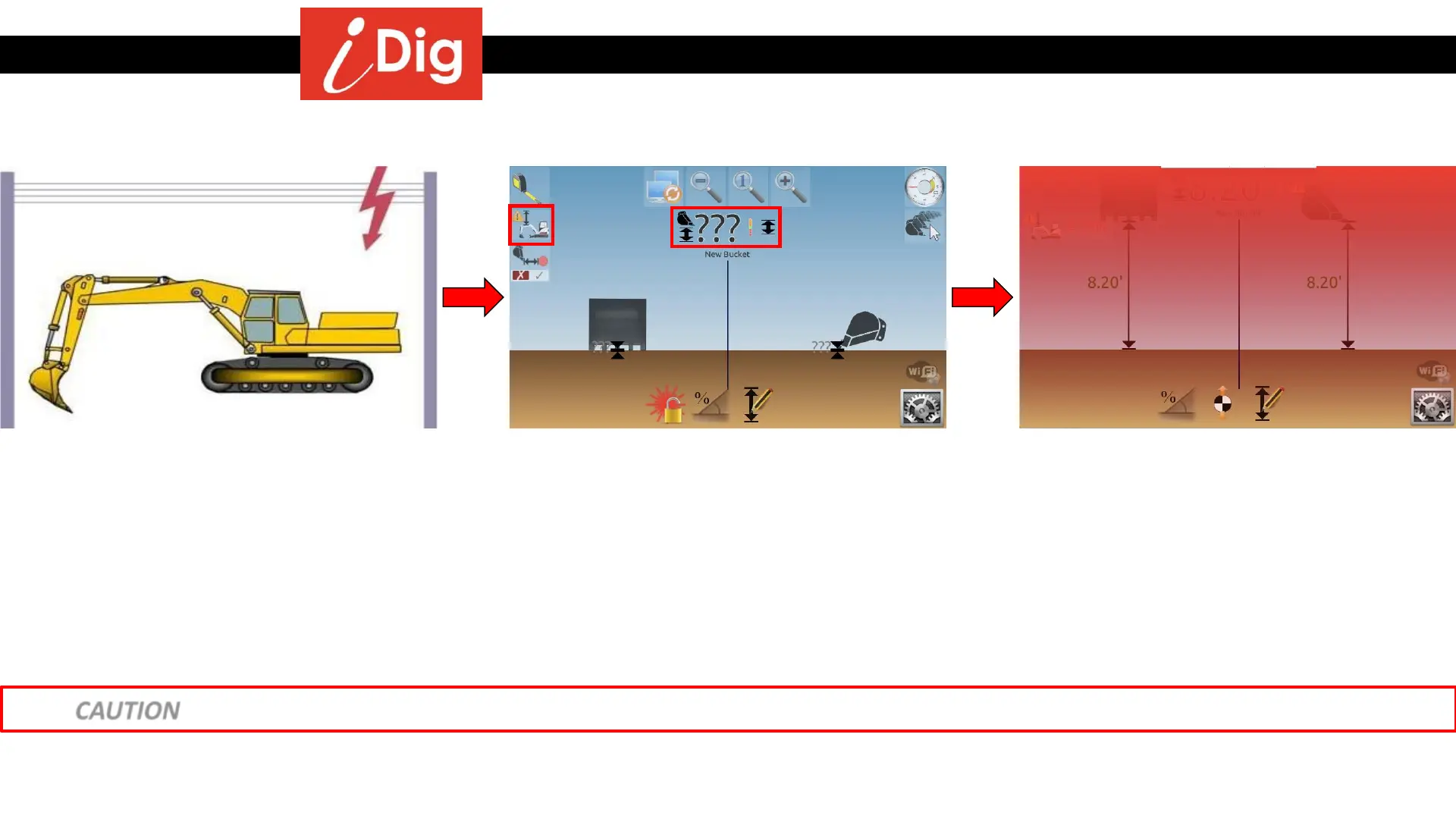
Height Alarm function
132
• The Height Alarm function will warn you
when any of the machine elements reach a
pre-set height. Especially useful when
working indoors or under electrical wires,
etc.
• To activate the Height Alarm, raise one of
your elements to the maximum elevation
point beyond which the alarm will occur.
• Touch the screen so that the icons fly in
from the side.
• Touch the Height Alarm button.
• Click on the elevation value next to the
Height Alarm symbol to set the alarm
elevation.
• As you are working, if any of your
machines elements reach the pre-set
height, the screen will flash red to warn
you. To disable this feature when you’re
done, just touch the Height Alarm button
again.
CAUTION – this is not a fail safe security function and can’t replace a system that has automatic shut off capabilities.



 To Next Page