Installation Procedures – Dipper Stick (Combo) Sensor
Dipper Stick (Combo) Sensor
• The Combo Sensor will need to be located on the dipper as low as possible.
The higher the Sensor is located the more the boom and dipper has to be
dropped to catch the laser beam. Be aware of the location of hoses and
pipes that may inhibit a clear line of sight to the Sensor when using the laser
catch function.
• For more accurate calibration and ease of setup regarding the laser catch
function you may want to consider installing the Combo Sensor using the
following directions. This will allow you to manually enter accurate
measurements into the laser calibration setup stage and will maximize the
accuracy of the laser catch function.
• You will want to offset the placement of the Combo Sensor counter-
clockwise slightly 15° - 30° from when the dipper stick is set at 90° to the
ground. This will maximize the reception area of the Combo Sensor and help
with catching the laser beam.
• Suitably clean the area with Brake Cleaner and wipe dry. Clean the surface of
the boom as well as the back of the mounting bracket with the 3M VHB
wipes after completely cleaning the surface. They are not intended to clean
but they accelerate setting the glue of the 3M tape. Attach the 3M double
sided tape to the bracket and then stick your sensor plate on firmly and
press for 30 seconds. The adhesive bond will strengthen over time.
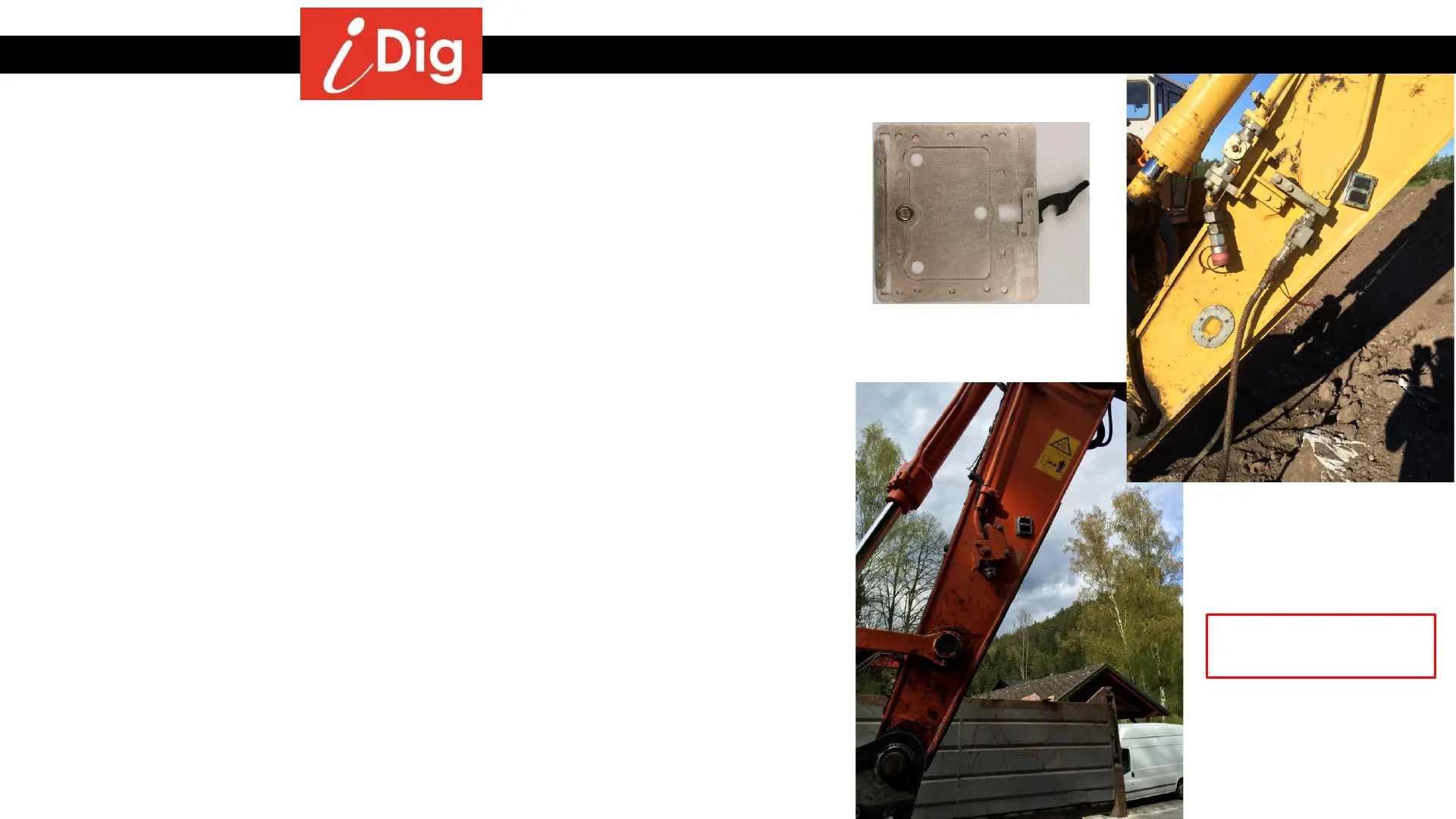
Examples of Combo
Sensor Placement
11
Big Plate XD412



 To Next Page