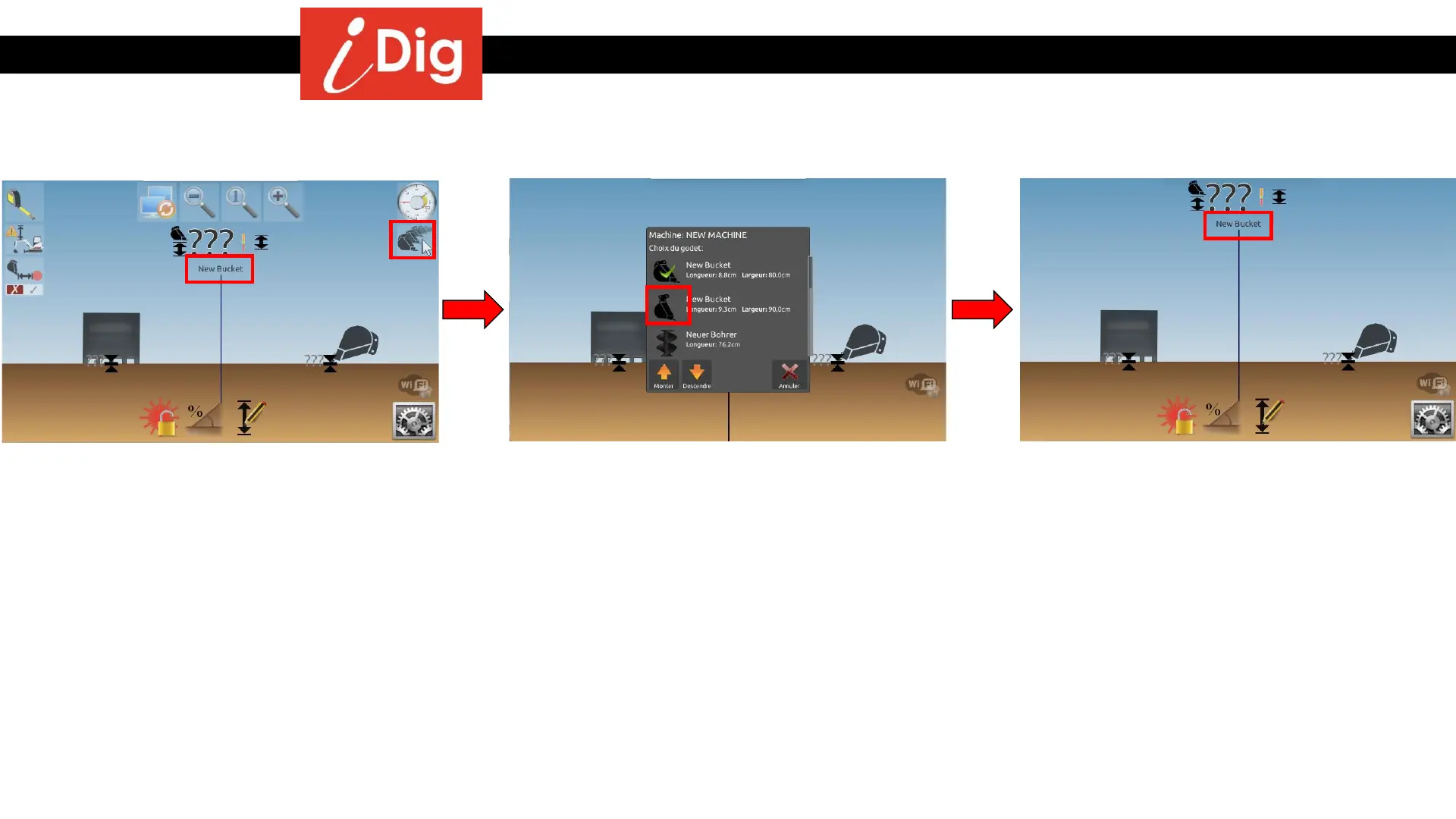
Changing Buckets
130
• The bucket you are currently using is
indicated on the screen.
• If you have more than one bucket
calibrated to a particular machine, you can
change the bucket on the fly. Touch the
screen so that the icons fly in from the
side. Then touch the bucket symbol.
• A drop down menu will show you all of the
buckets that you have calibrated for that
particular machine and which bucket is the
active bucket. Just select the bucket you’d
like to use.
• The bucket that you selected is now the
active bucket and is displayed on the
screen.



 To Next Page