Installation Procedures – Tilt Bucket Calibration
Calibration on an Existing Machine
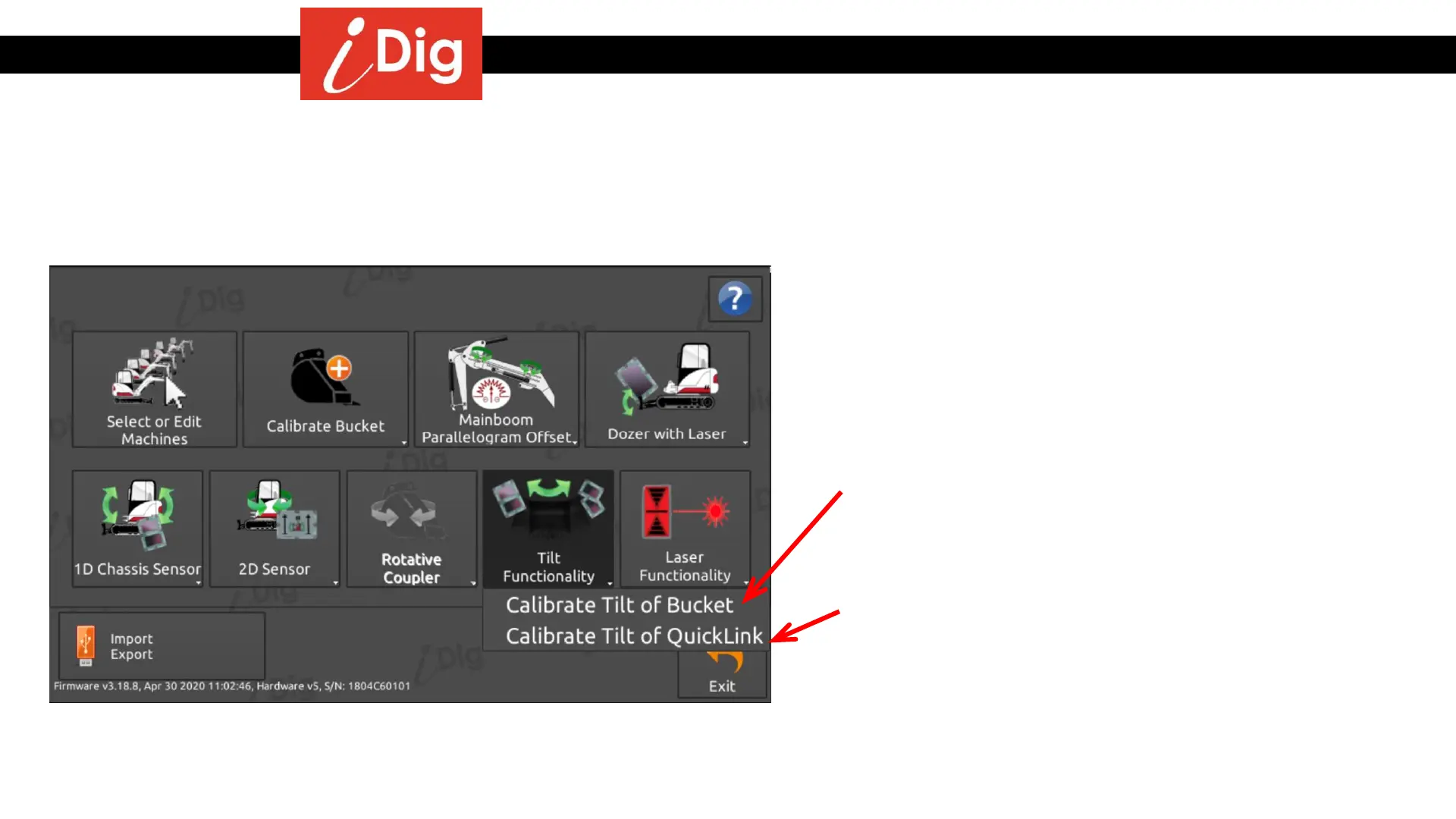
• To add support for tilt on an already calibrated machine, select an already calibrated bucket and go into “System Settings”:
49
• Select “Calibrate Tilt of Bucket” if the actually attached
and selected bucket has it’s own tilt mechanism. When
you select this bucket from the bucket menu, the tilt
function will be available. Each bucket will need to be
individually calibrated.
• Select “Calibrate Tilt of Quicklink” if it is an Engcon,
Powertilt or equivalent system. The tilt function only
needs to be calibrated once, all registered buckets will
have the tilt function.



 To Next Page