Part 1 - Remote Setup
10
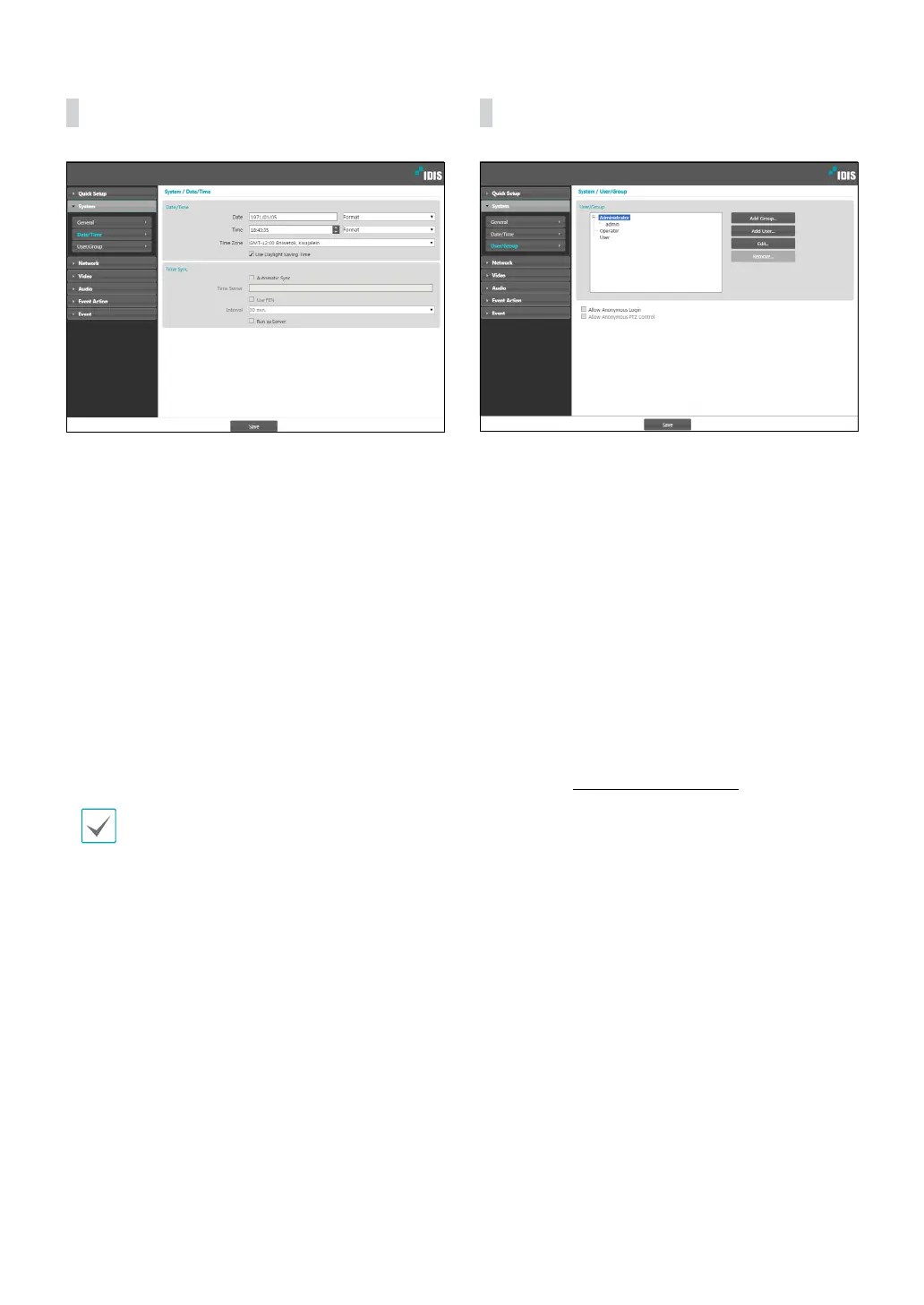
Date/Time
• Date/Time: Change the camera’s date/time settings
and display formats and congure the time zone and
daylight saving time settings. Click Save to apply the
changes right away.
• Time Sync
- Automatic Sync: Select to synchronize the system’s
time with the time server at a specied interval.
Enter the time server’s IP address or domain name
and then specify the interval. If the time server
is FEN-enabled, select the Use FEN option and
then enter the time server’s name instead of its IP
address or domain name.
- Run as Server: Select to run the camera as a
time server. Other devices will then be able to
synchronize its time setting with this camera’s time
setting.
If you wish to enter a domain name instead of an
IP address for the Time Server setting, DNS server
must be congured during Network setup. If you
wish to enter a server name instead of an IP address
or a domain name, the Use FEN option must be
enabled during Network setup.
User/Group
• User/Group: Change remote camera control
permission settings for users and user groups.
- Add Group: Add a new user group. Designate
a name for the group and then specify control
authorities.
- Add User: Add a new user. Designate a name for
the user, select which group to add the user to, and
then enter a connection password.
- Edit: Edit group authorities and/or user passwords.
Select a group or user and then click on the button.
- Remove: Delete groups or users. Select a group
of user you wish to delete and then click on the
button.
• Allow Anonymous Login: Select if you are using
Webcasting. For more information on webcasting,
refer to the Webcasting on page 22.
• Allow Anonymous PTZ Control: Select to control
the pan/tilt driver remotely from a website using
webcasting.



 To Next Page