Part 1 - Remote Setup
24
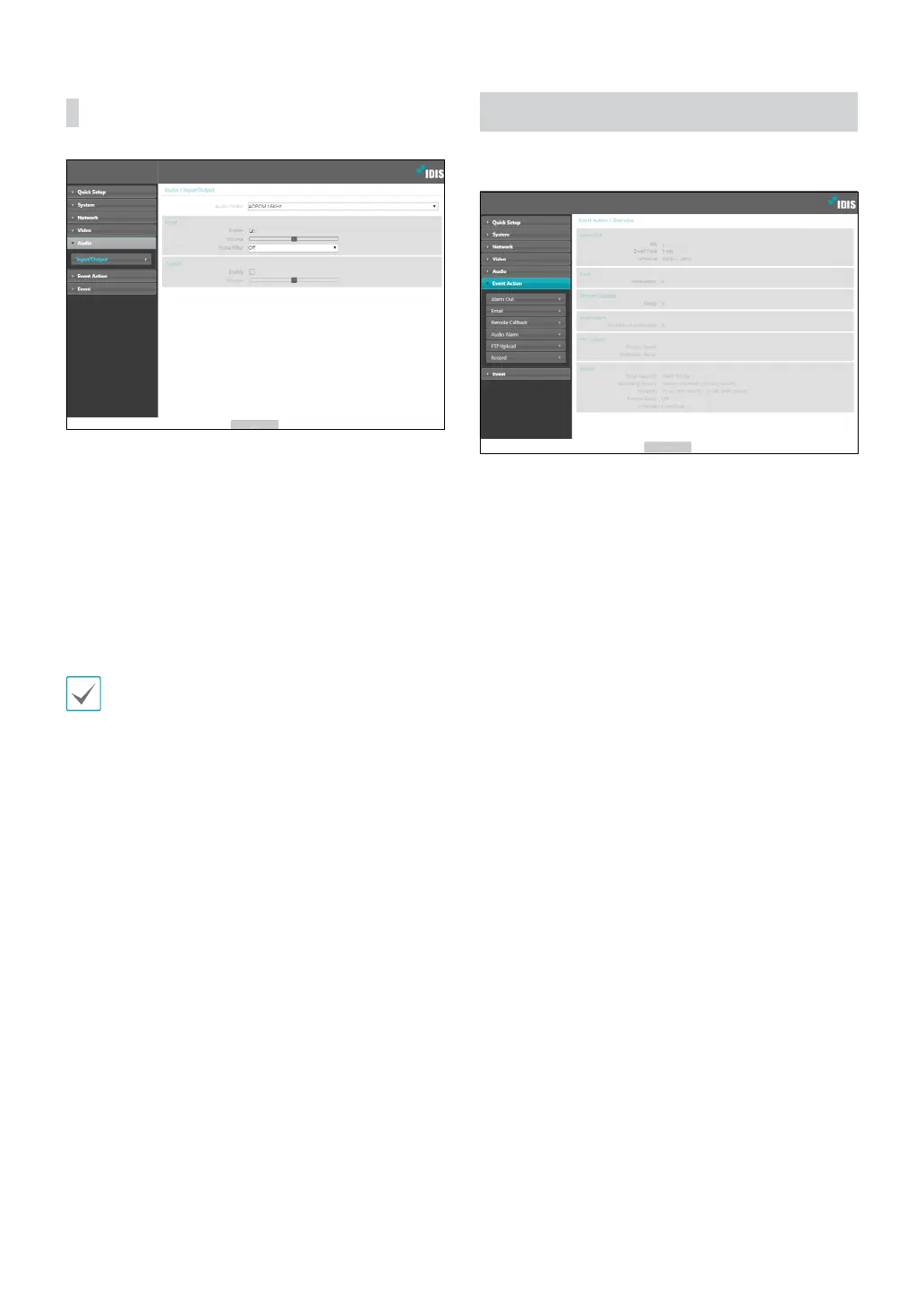
Input/Output
• Audio Codec: Select an audio codec.
• Input: Select an option and then adjust the
volume.Noise Filter reduces the environmental
noise and enhances the voice. If you turn on the
noise lter, the sound may be distorted somewhat.
We recommend that you do not use this function in
a place with a lot of songs because it may degrade
performance.
• Output: Select an option and then adjust the volume.
Cameras do not feature built-in audio amplier units
and therefore require the user to purchase a speaker
system with a built-in amplier separately.
Event Action
Designate event detection alert actions.



 To Next Page