Part 1 - Remote Setup
35
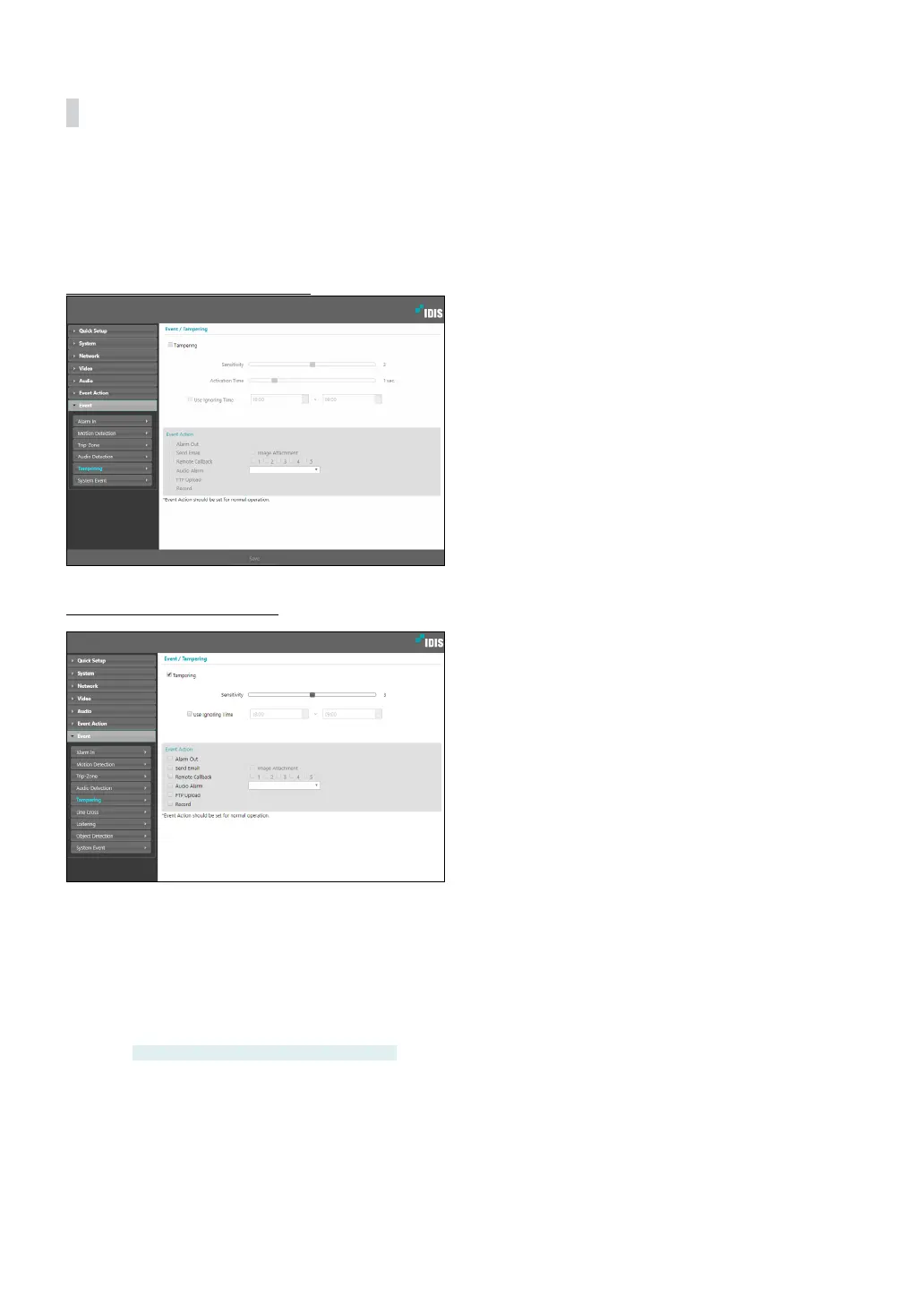
Tampering
Select Tampering to congure tampering detection
event settings. With tampering detection event enabled,
a sudden change in the video, such as due to movement
of the camera or covering up of the lens, will be
assumed as an event.
DC-D3233HRX-N, DC-D3243HRX-N
DC-D6233HRX, DC-D6243HRX
• Sensitivity: Dene the tampering detection
sensitivity. Higher values will result in more sensitive
detection.
• Activation time: Specify how long tampering has
to be detected for it to be considered as an event.
Tampering detections that do not last for the
specied duration of time will not be considered as
events.
DC-D3233HRX-N, DC-D3243HRX-N only
• Use Ignoring Time: Dene the event ignoring time.
Tampering detections taking place during the dened
time range will not be assumed as events.



 To Next Page