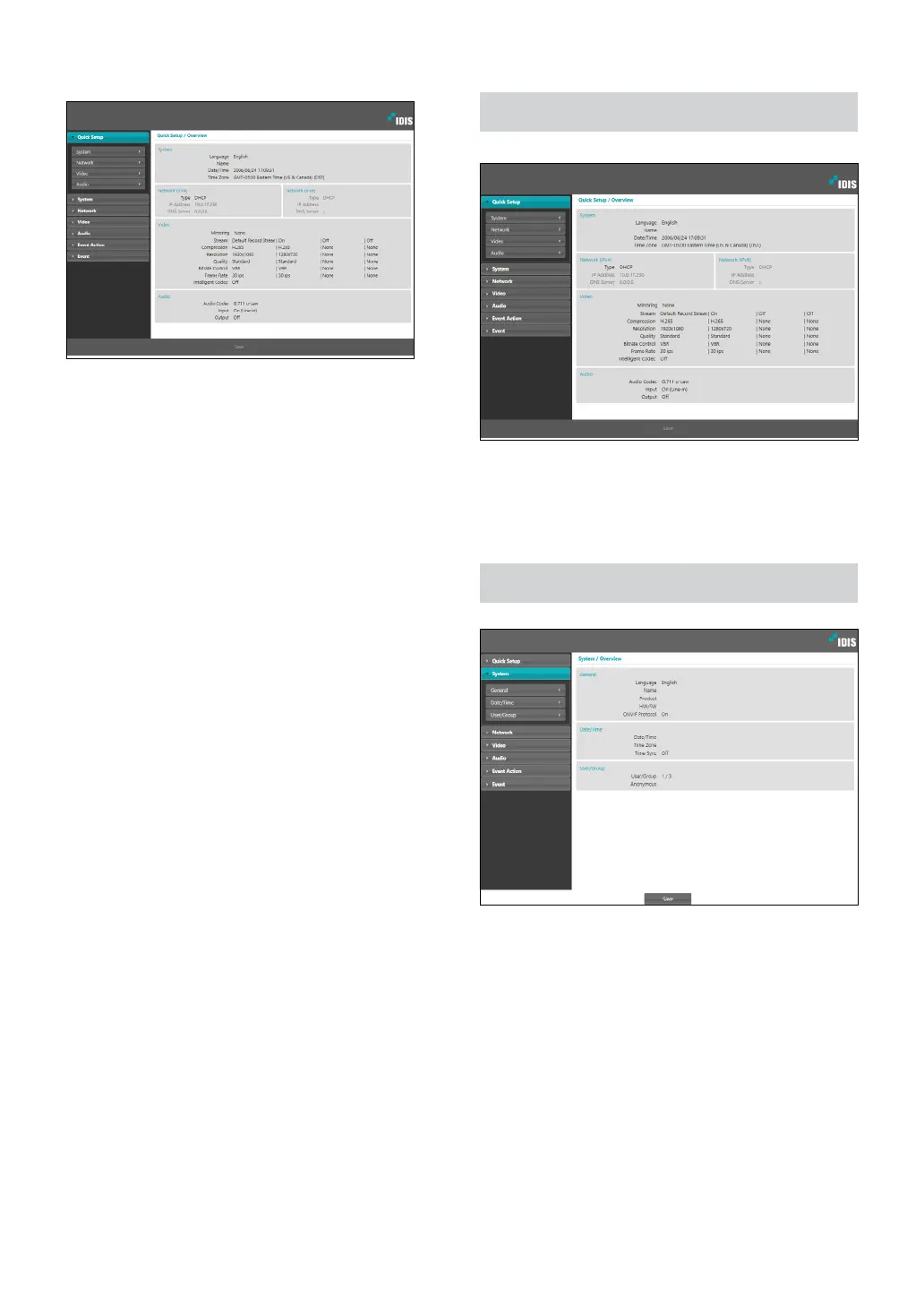
Part 1 - Remote Setup
8
From the Remote Setup screen, select the
menu on the left to display the current settings.
Select an option under the menu to change the
corresponding settings. Once you have changed
the settings, click Save to apply the settings.
Quick Setup
Quick Setup allows you to set up System, Network,
Video, Audio, and other basic settings needed for
camera use.
System
Change the camera’s system information, add users/
groups, and/or import/export settings.



 To Next Page