Part 1 - Remote Setup
11
• User/Group settings can only be congured by
users belonging to the Administrator group.
• There is no default password for the Administrator
group's admin user.
• Standard groups (Administrator, Operator, and
User) cannot be edited or deleted. Authorities
assigned here apply identically to ONVIF protocol
user groups.
• Group authorities that can be assigned are as
follows:
– Upgrade: Upgrade the system.
– Setup: Congure the system's settings.
– Color Control: Adjust the camera's brightness,
contrast, saturation, and hue settings.
– PTZ Control: Authority to control pan/tilt driver’s
pan/tilt functions.
– Alarm-Out Control: Reset alarm outs.
– Search: Search video recordings saved on the SD
memory card from a remote program.
– Clip-Copy: Search video recordings saved on the
SD memory card and save them as video les
from a remote program.
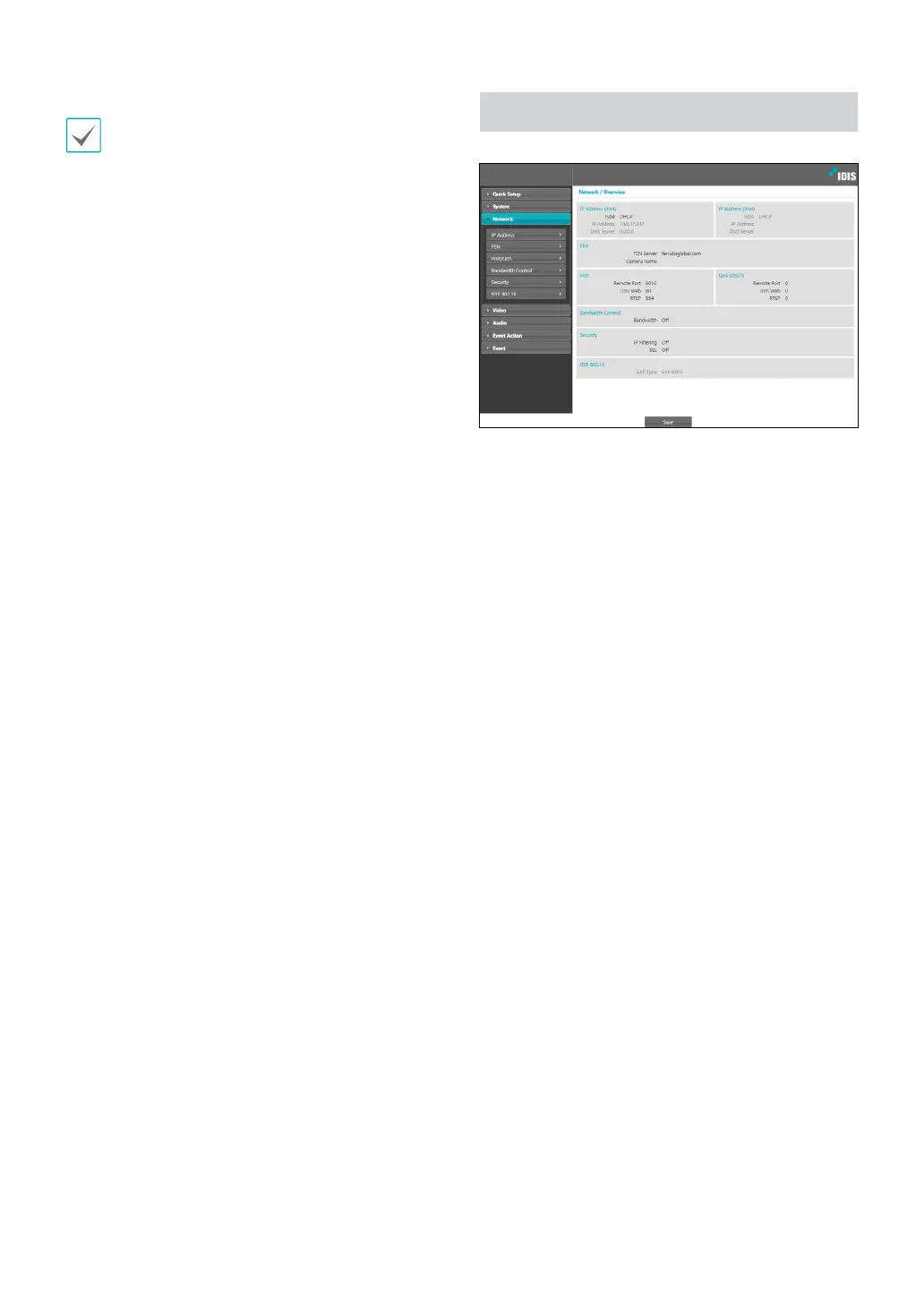
Network
Change the network settings, enable FEN and security
features, and control network bandwidth use.



 To Next Page