Part 1 - Remote Setup
17
Video
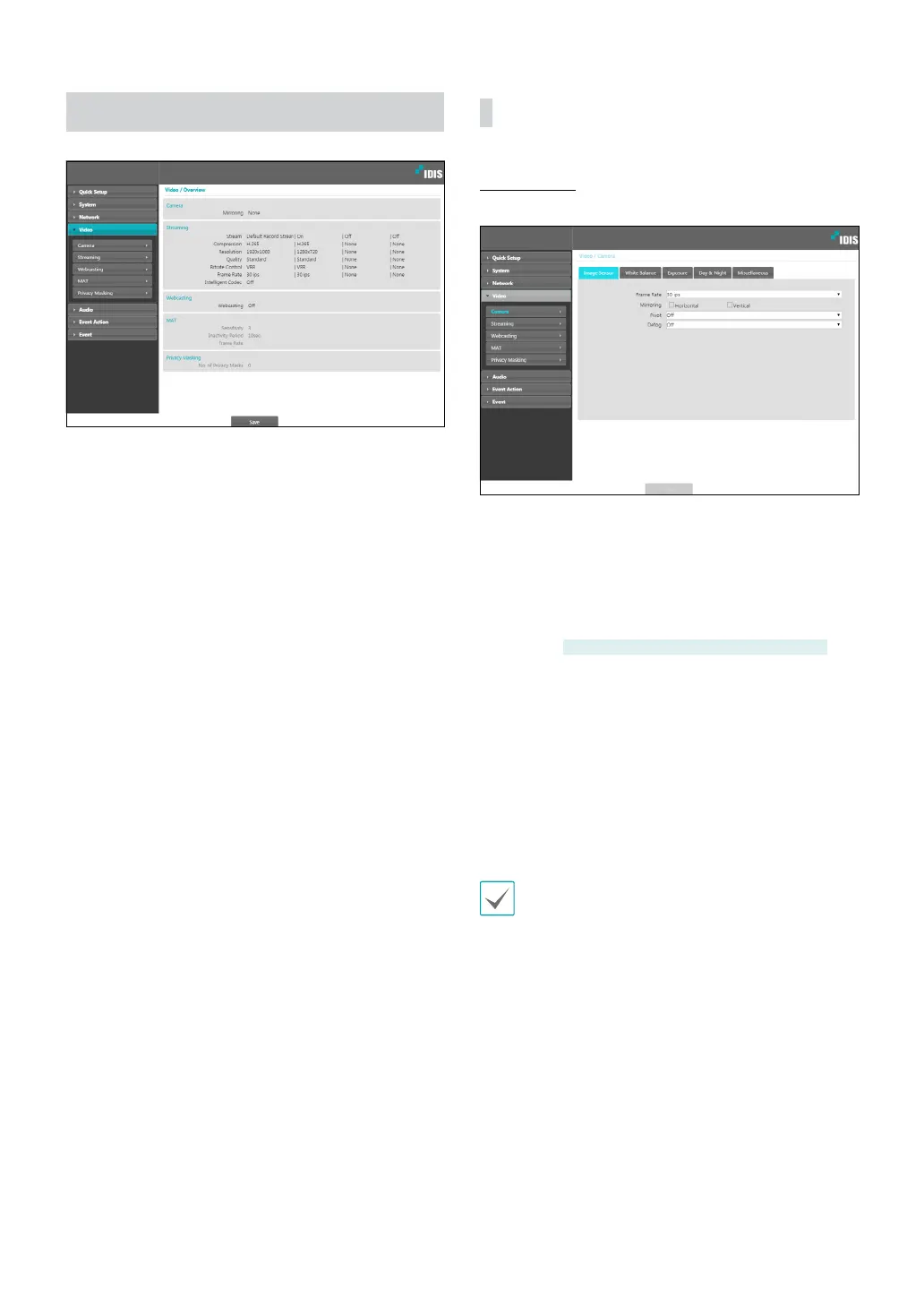
Congure Camera, Streaming, Webcasting, MAT, and
Privacy Masking options.
Camera
Image Sensor
Congure Image Sensor settings.
• Frame Rate: Set the frame rate of image sesor.
Selecting 30.00 ips limits the frame rate of images for
streaming under Video > Streaming menu to 30.00
ips. Selecting 60.00 ips restricts some settings under
Video > Streaming menu and disables the following
functions: FTP upload, image attachment of emailing,
and WDR.
DC-D3233HRX-N, DC-D3243HRX-N only
• Mirroring: Select Horizontal Reverse or Vertical
Reverse to ip the image horizontally or vertically.
• Pivot: Select a direction to rotate images 90 degrees
clockwise or counterclockwise. If vertical resolution
is less than 320, this function is not supported. If you
enable this function, you can monitor more eciently
long and narrow space such as hallways, corridors,
etc. If both Mirroring and Pivot functions are enabled,
Mirroring functions rst, then Pivot.
With Pivot used, 3840x2160 resolution and
maximum IPS using 30ips are limited.



 To Next Page