Part 1 - Remote Setup
37
- Sensitivity: Select sensitivity for object
measurement.
• Event Action: Select a line cross event alert action.
- Alarm Out: Select if you wish to generate an alarm
out.
- Send Email: Select if you wish to send an email.
Select the Image Attachment option to attach a
.jpg image of the event detected to the email.
- Remote Callback: Select this option to send a
message to a remote system and then select which
system to send the message to.
• Not supported from the IDIS Web program.
• The camera must be registered to the remote
system in order to use the Remote Callback
feature.
- Audio Alarm: Select this option to generate an
audio alert and then choose an audio le.
- FTP Upload: Select this option if you wish to
upload images to the FTP server.
- Record: Select this option to record video.
• Event Action settings must be congured
correctly in order to perform event actions.
• The recognition rate may decrease in low-light
images.
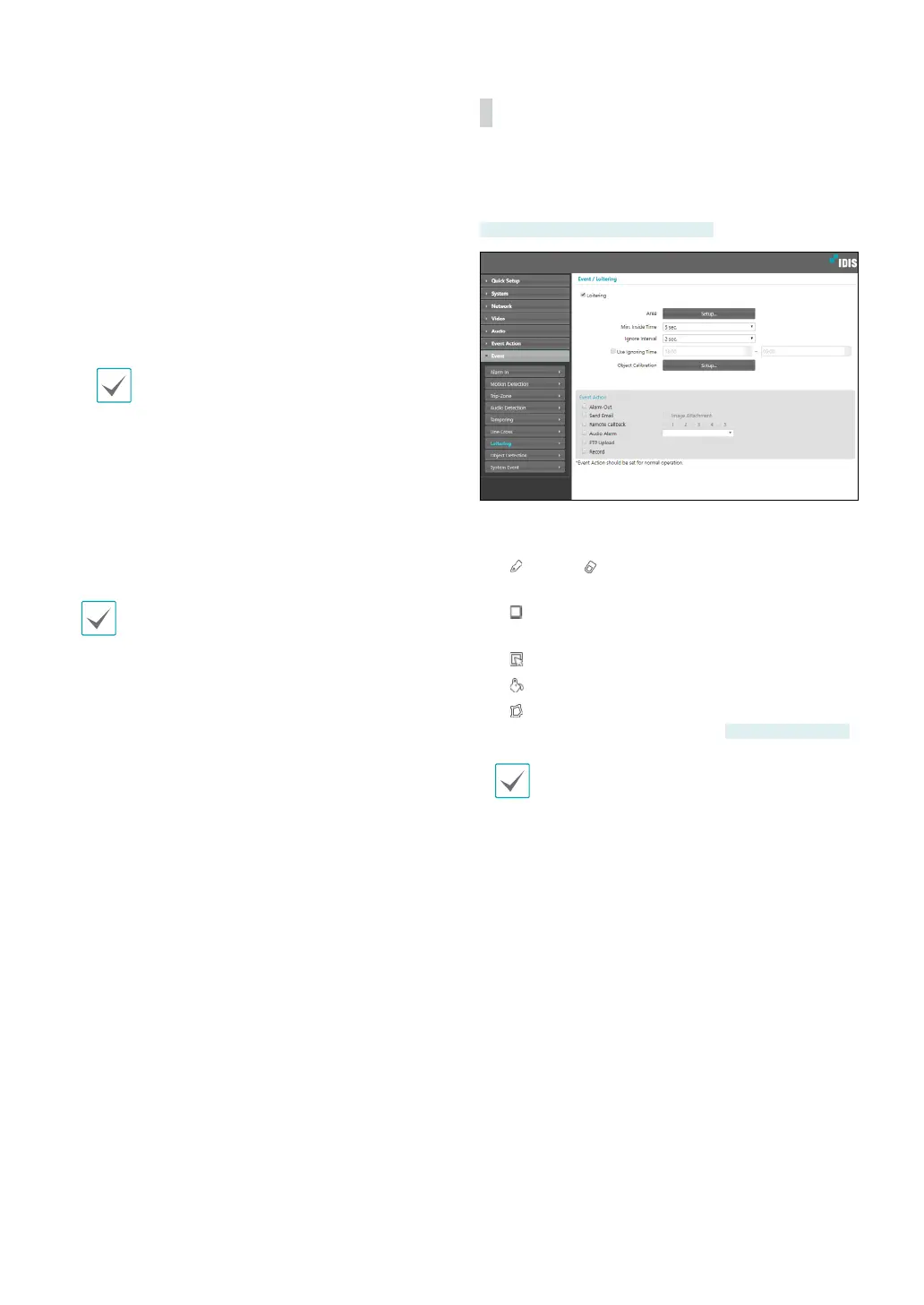
Loitering
Select Loitering and congure loitering settings. With
loitering event enabled, an event is considered when an
object is detected to wander for a certain period of time.
DC-D6233HRX, DC-D6243HRX only
• Area: Click Setup and dene the loitering area using
blocks.
-
(Select)/ (Unselect): Enable/disable loitering
blocks.
-
(Single Block): Select/unselect loitering blocks
individually.
-
(Zone): Select/unselect multiple loitering blocks.
-
(All): Select/unselect all loitering blocks.
-
(Polygon): Select/unselect polygon loitering
blocks by the number of points.
Some models only
Polygon is not supported in IE 10 or earlier.
• Min. Inside Time: Select the minimum time to detect
loitering. The loitering taking place more of the
dened time in the dened area will be assumed as
events.
• Ignore Interval: With Loitering Ignoring Interval
congured, no event log or notication is generated
for loitering detected during a period of time
following a loitering event.
• Use Ignoring Time: Dene the event ignoring time.
Loiterings taking place during the dened time range
will not be assumed as events.Object Calibration:
Set the camera’s mounting position, sensitivity, and
the maximum and minimum size of the object to



 To Next Page