Part 1 - Getting Started
12
– Recording resolutions used under each recording method
and record video quality setting are as follows:
High Video Quality
Priority Prole
Standard
Recording
Prole
Longer Recording
Time Priority
Prole
Motion
Event
Record
Prole 1 Prole 2 Prole 3
Continuous
& Motion
Event
Record
Prole 2
(Continuous) /
Prole 1 (Motion)
Prole 3
(Continuous)
/ Prole 2
(Motion)
Prole 4
(Continuous) /
Prole 3 (Motion)
Continuous Prole 1 Prole 2 Prole 3
5
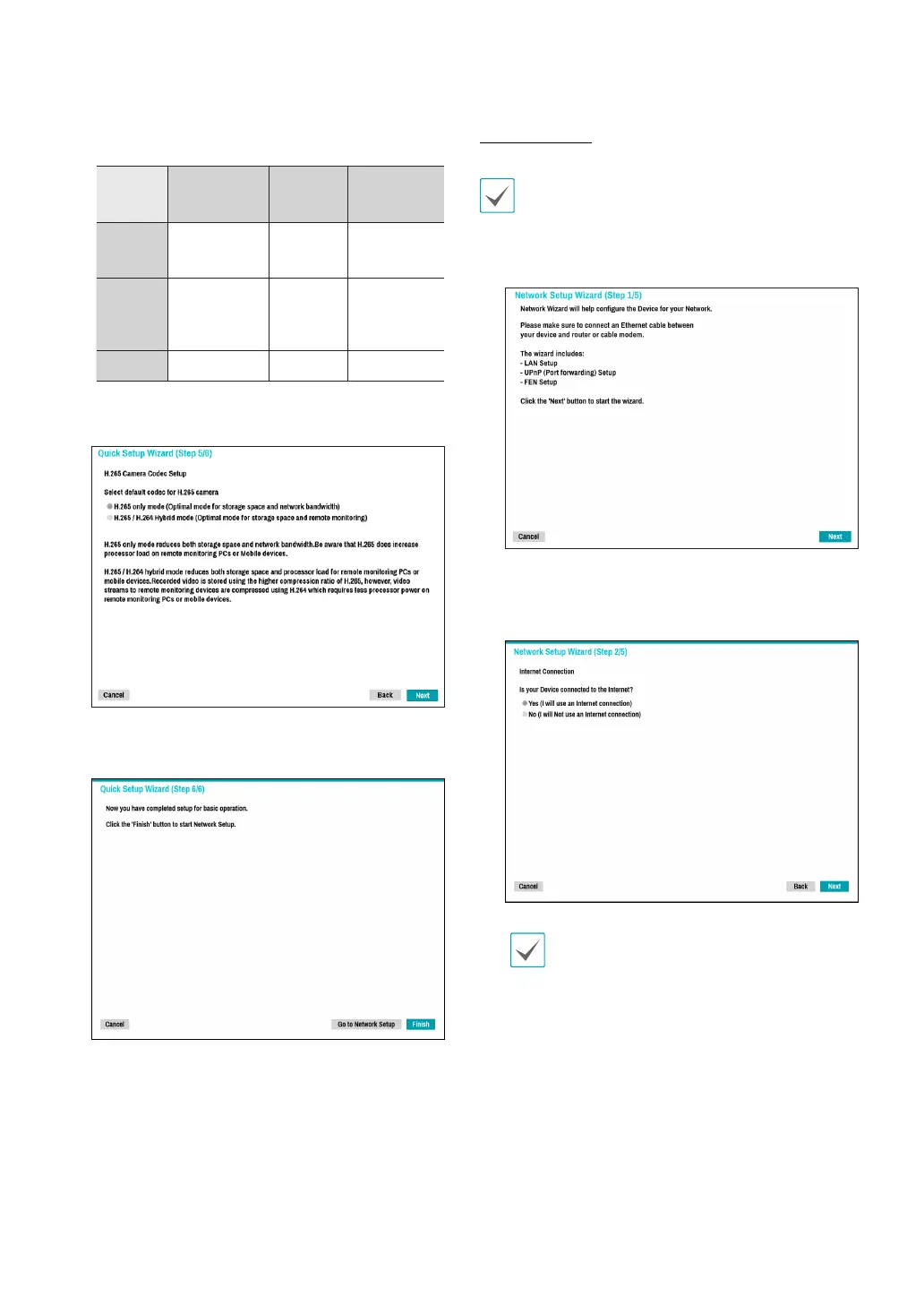
Choose the desired codec and click Next.
6
Click Finish to exit Quick Wizard.
Network Wizard
After exiting from Quick Wizard, the network with
Network Wizard will start automatically.
1
Select Network Wizard.
2
Specify whether the system is connected to the
Internet and click Next.
If you have chosen No, wait for the test to nish
and then click Finish to exit Network Wizard.



 To Next Page