Part 2 - Conguration
85
Display Setup
Refer to the Menu Use on page 32 for basic
information on using the Setup menus.
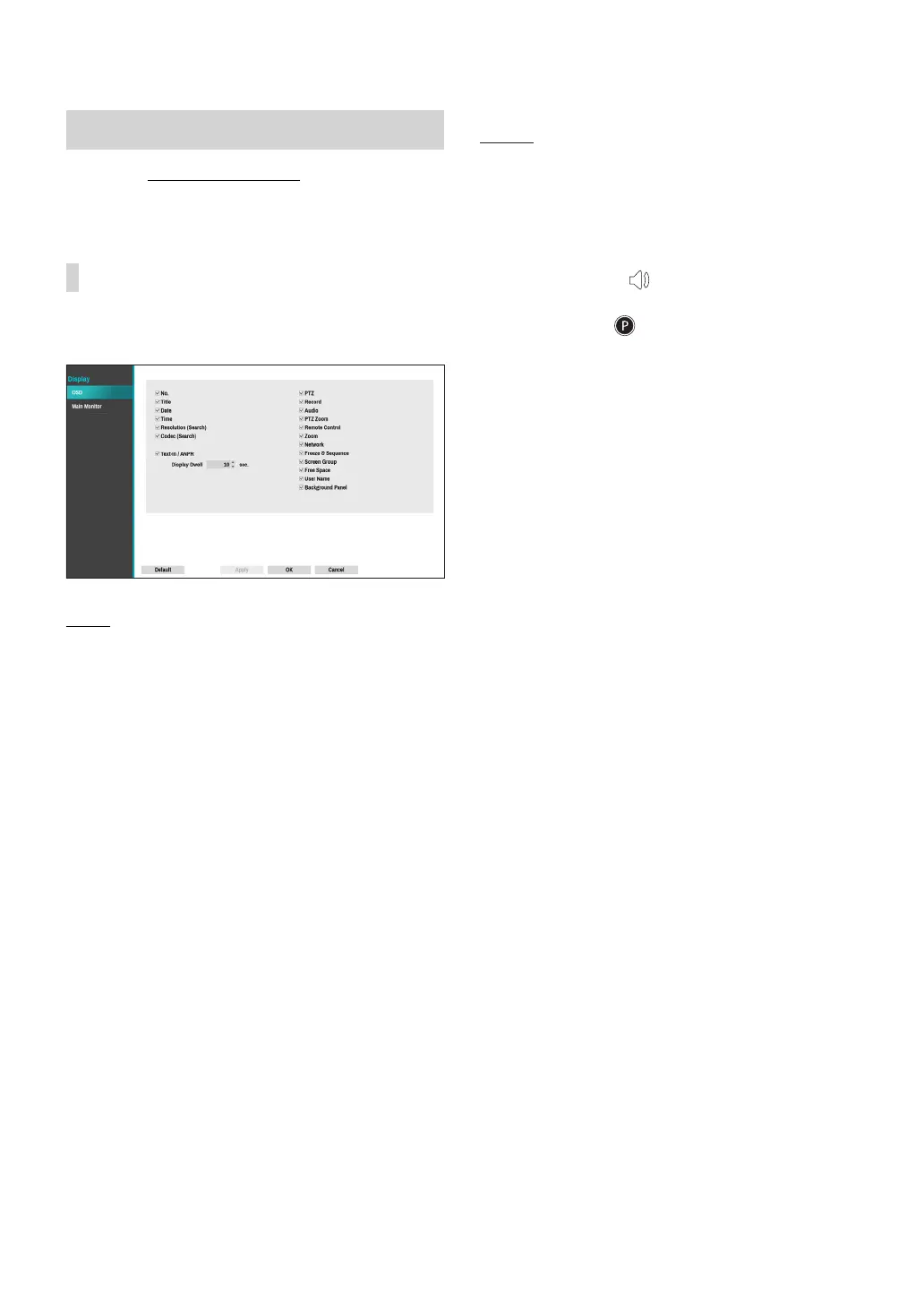
OSD
Show OSD (On Screen Display) information on the
bottom of the screen.
Status
● Date and Time: Displays the date and time.
● Remote Control: Displays remote control receptivity.
● Network: Displays the icon when the unit is
connected to a network via Ethernet.
● Free Space: Displays whether or not the NVR is in
the recycle mode, and displays the available storage
space when not in the recycle mode.
● User Name: Displays the current user logged in.
● Background Panel: Displays background panel at the
bottom of the screen in black.
Camera
● No.: Displays the camera number on the upper left
corner of the camera screen.
● Title: Displays the camera name on the upper left
corner of the camera screen.
● Record: Displays recording and schedule icons.
● Audio: Displays the icon on channels generating
audio.tkfkd60
● PTZ: Displays the icon on PTZ cameras.
● PTZ Zoom: Displays the zoom magnication (e.g. x2,
x3, etc.)
● Text-In: Displays data received from text-in device.
Select Display Dwell and specify how long to display
data. Data are shown on the single screen only.
● Resolution (Search): Displays the recording
resolution in Playback mode.
● Codec (Search): Displays the codec information in
Playback mode.
● Zoom: Displays a zoomed in state.
● Freeze & Sequence: Displays freeze and sequence
icons.
● Screen Group: Displays the current screen's group.



 To Next Page