Part 2 - Conguration
87
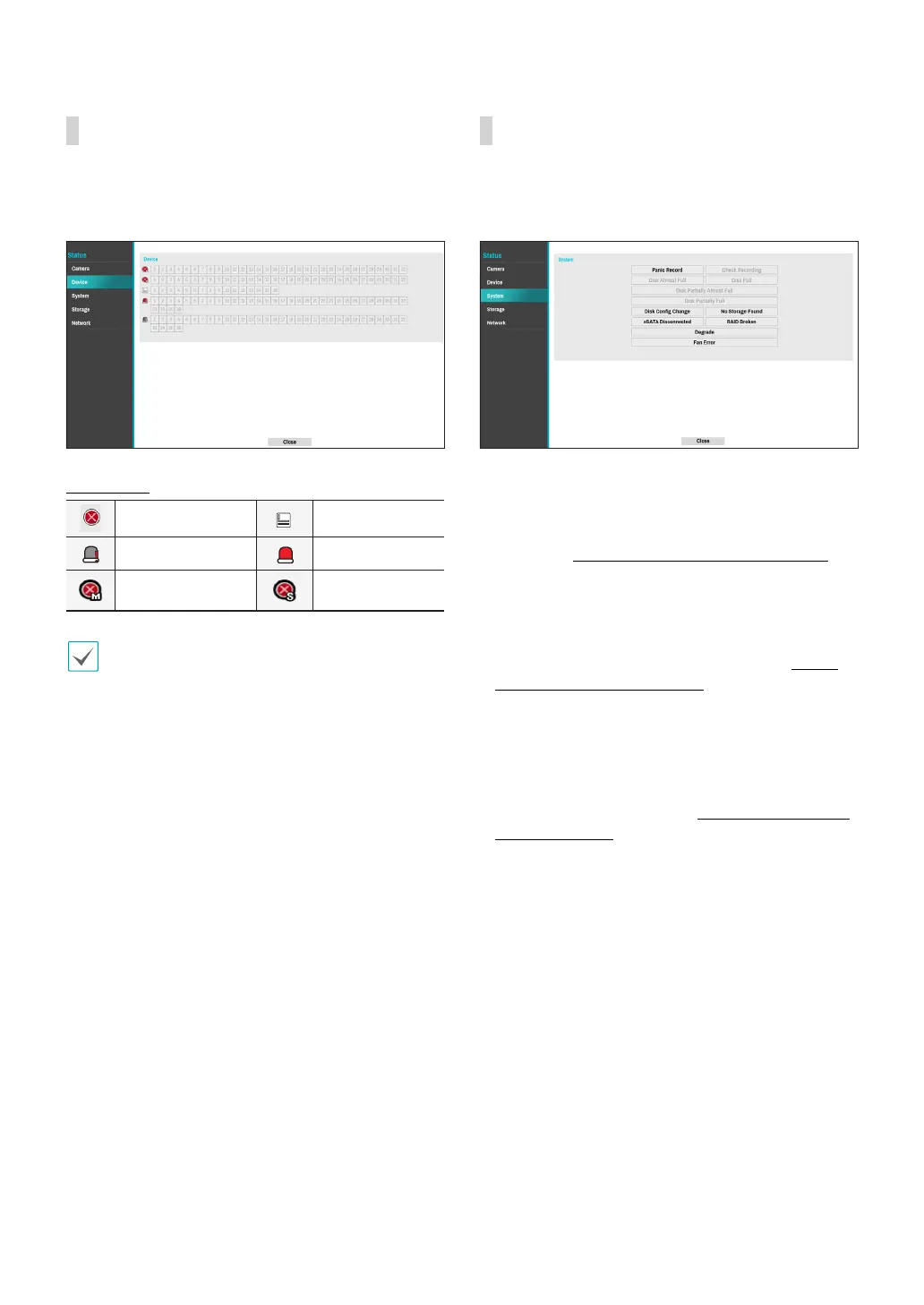
Device
This screen displays an overview of device events.
When an event occurs, the corresponding channel
ashes for 5 seconds.
Event Types
Recording Fail Text-In
Check Alarm-In Alarm-In
**Recording Fail of
Main Stream
**Recording Fail of
Sub Stream
** The two events are supported by some products
only.
System
This screen displays an overview of system events.
When an event occurs, the corresponding channel
ashes for 5 seconds.
● Panic Record: Displays event status based on current
Panic Record status.
● Check Recording: Displays event status based on
System Monitoring settings. For more information,
refer to the Video-Analytics_Motion on page 64.
● Disk Almost Full/Disk Full: If the storage device is
not in Recycle status, event status is displayed when
the amount of disk space specied under System
Monitoring is reached and when the disk becomes
100% full. For more information, refer to the Video-
Analytics_Motion on page 64.
● Disk Partially Almost Full / Disk Partially Full: If the
storage device is not in Recycle status, event status is
displayed when a disk in one of multiple quota groups
reaches a specied capacity or disk usage reaches
a specied capacity under System - Monitoring. For
more information, refer to the Mirror Conguration
Error on page 40.
● Fan Error: Event is indicated when the cooling fan
cannot reach a certain RPM or fails for longer than 50
seconds.
● eSATA Disconnected: Event status is displayed when
an eSATA device is abruptly disconnected.
● Disk Cong Change: It will be highlighted when
the NVR reboots after the hard disk drive has been
replaced.
● RAID Broken: Event status is displayed when the
mirroring conguration is broken.
● Degrade: Event status is displayed when one of the
HDDs composing mirroring is in error.
● No Storage Found: It will be highlighted when no
recordable storage device has been found.



 To Next Page