Part 2 - Conguration
38
Setup
Camera Setup
May congure camera
settings.
System Time
Change
May change the
system's date and time
settings.
Data Clear /
Protection
May clear data stored
in the system or
protect data from
being deleted.
PTZ Setup
May congure PTZ
settings.
Alarm-Out
Setup
May congure alarm-
out settings.
Covert
Camera Setup
May congure convert
camera settings.
Record Setup
May congure
recording settings.
DirectNDC
Setup
May access the NVR
and control it remotely
via network.
EventUpload
- May upload the
video clips when an
event occurs.
- May congure FTP
settings.
Self-
Diagnosis
May congure the
NVR self-diagnostic
settings.
Setup Import
May import previously
saved NVR settings.
Setup Export
May export current
NVR settings.
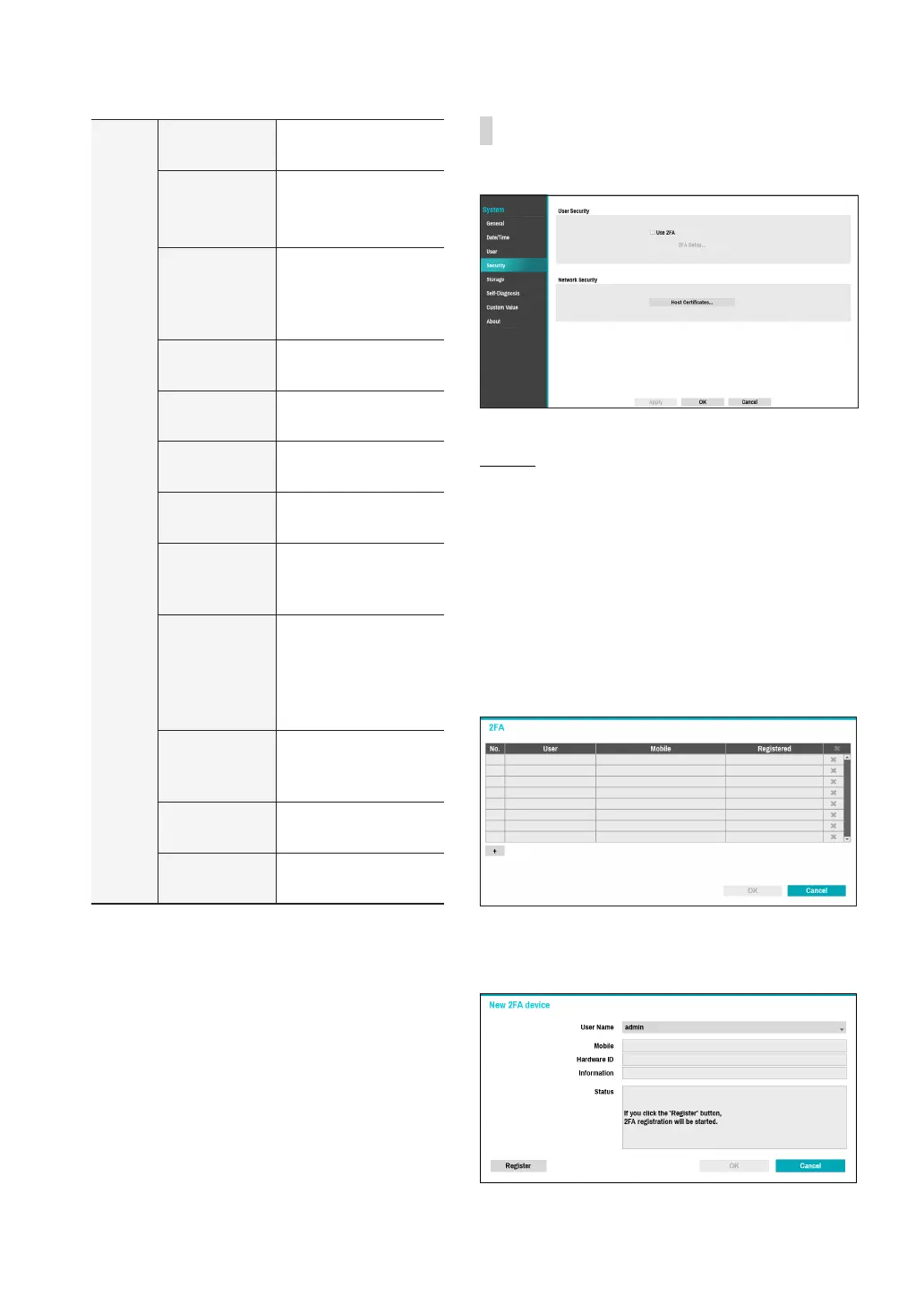
Security
Use this option to congure security settings.
Use 2FA
Two-factor authentication (2FA) is a method of
conrming a user's claimed identity by utilizing a
combination of two dierent components.
In other words, it is a method of authenticating the
registered mobile devices such as mobile phones and
smartphones on NVR for security when proceeding
settings, search and upgrade.
When you click Use 2FA and 2FA Setup buttons,
the following window will appear (Registered means
the time when the mobile device was registered).
If you click the + button at the bottom of the table, the
following message will appear and you can register the
2FA device.



 To Next Page