Part 2 - Conguration
76
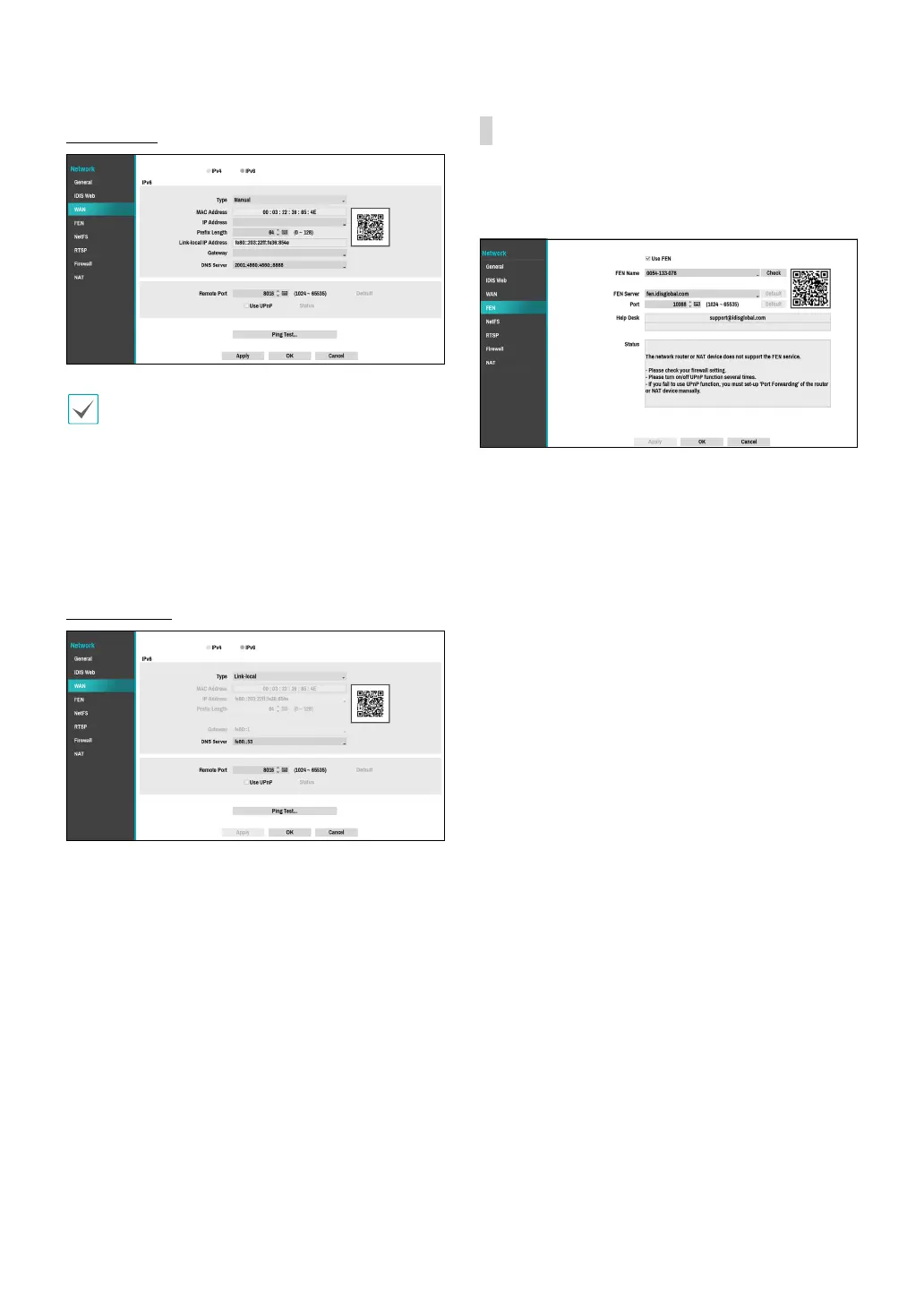
IPv6_Manual
• Manual lets you congure related settings
manually. Congure IP Address, Prex Length,
Gateway, and DNS Server settings manually using
the remote control's arrow buttons or the virtual
keyboard.
• When registering NVR with the IDIS mobile
application, you can easily enter the IP address
using the QR code.
IPv6_Link-local
Congure the Link-local address. It is used by nodes
when communicating with neighboring nodes on the
same link.
FEN
If using a dynamic IP address, FEN service makes it easy
to connect to the NVR from a remote program without
having to congure dynamic IP or router settings.
● Use FEN: Check if you wish to use FEN service.
● FEN Name: After entering the NVR name you wish
to register on the FEN server, check and register the
entered name. This is a unique NVR name that will be
registered on the FEN server.0



 To Next Page