p.37ID Registration
○
‘4’ – Level *4
●
FP
FP is the Fingerprint Usage Flag (1 digit). You can decide whether or not the user will us
e a fingerprint.
○
‘0’ – Not using a fingerprint
○
‘1’ – Using a fingerprint
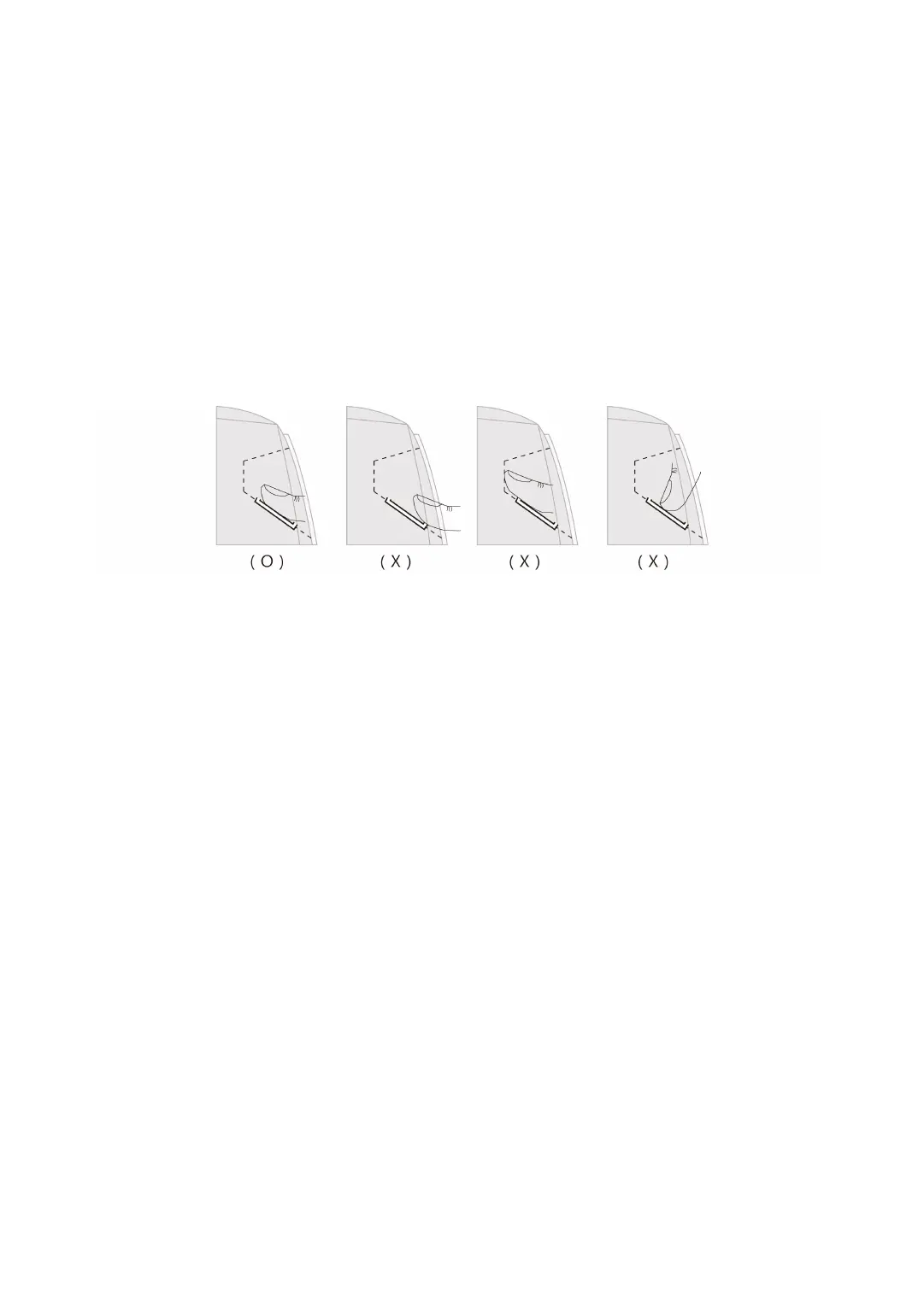
5.4 How to Place Your Finger onto the Scanner
When you register or verify your fingerprint, please place your finger onto the scanner corre
ctly as shown in the illustration below.



 To Next Page