Setting Changesp.62
le Code for each output.
DR
Door Relay Output
AR
Alarm Relay Output
T1
TTL#1 Output
T2
TTL#2 Output
BZ
Buzzer Output
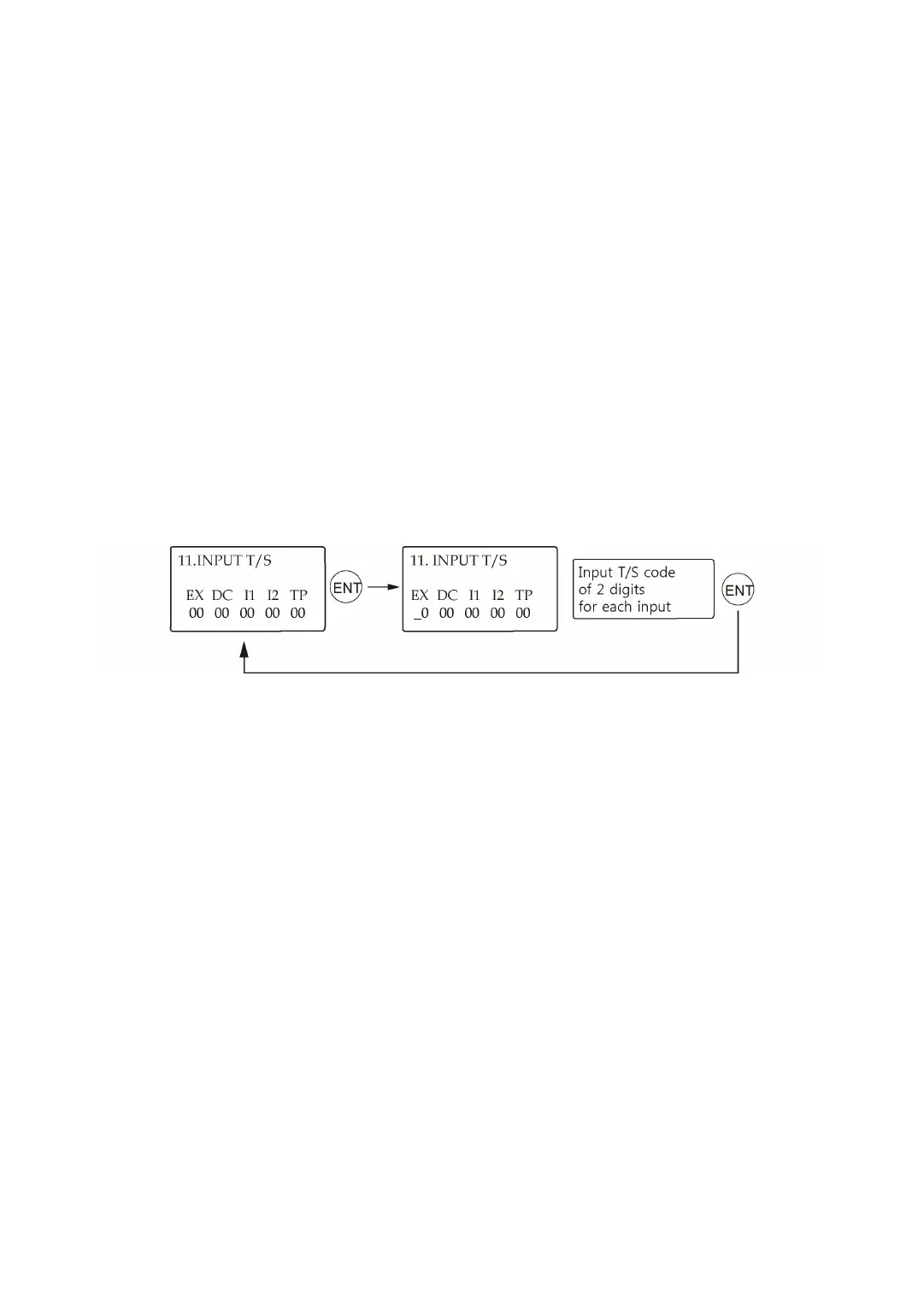
5.11 Input Time Schedule Setting
You can assign a Time Schedule Code to each input to activate the input only during that pe
riod. The default Time Schedule Code for every input is “00”, which means no Time Schedule
is applied to them. Changing these settings can be very useful when you want to activate PI
R sensor input during a certain period of time.
Press <ENT> key to enter this setting mode, and then enter a 2-digit Time Schedule Code for
each input.
EX
EXIT Button Input T/S Code
DC
Door Contact Sensor Input T/S Code
I1
Aux Input#1 T/S Code



 To Next Page