Setting Changesp.74
8.1 System Initialization
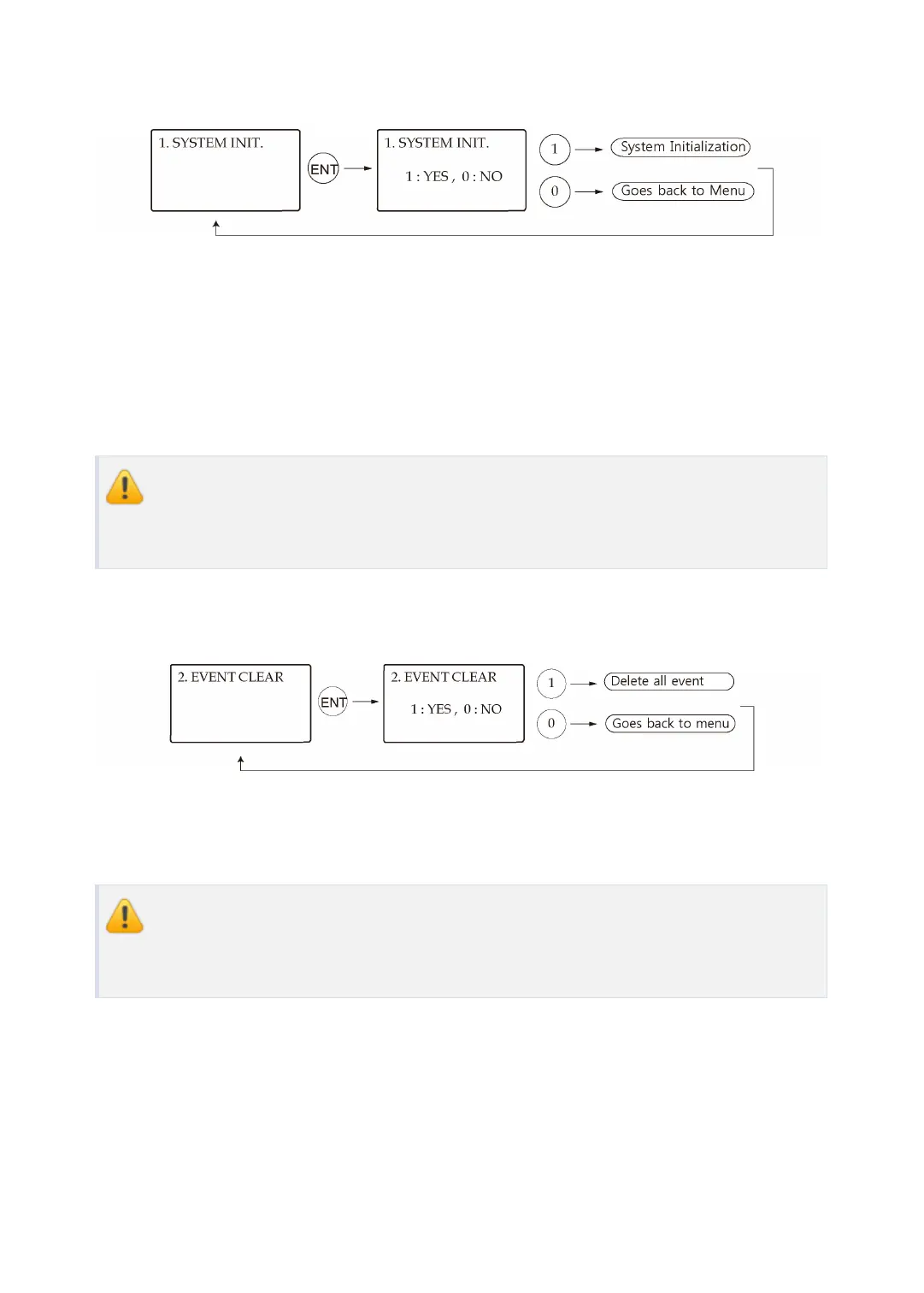
This operation is used to initialize the LX007 system. Press <ENT> key for initialization (when
installing LX007 first or when resetting the system in the event of malfunction).
●
Press the <1> key to initialize or <0> key to cancel the operation.
●
The “WAIT..” message appears while the system is being initialized. After the initializatio
n is completed, the LX007 returns to the Setup menu.
Initializing will erase all stored data in the memory. Before you clear the data, mak
e sure that the stored events are unnecessary. If you need to keep the event data,
please upload the data to the host PC; otherwise, you may lose all important data.
8.2 Event Clear
If the event memory is full, you can clear the event memory here. Press <ENT> key, then pres
s <1> key to clear event memory or <0> key to cancel the operation.
Before you clear the events, make sure that the stored events are unnecessary. If y
ou need to keep the event data, please upload the data to the host PC; otherwise,
you may lose all important data.



 To Next Page