Setting Changesp.76
l T/S or <0> key to cancel the operation.
Before you clear all Time Schedule data, make sure that the stored Time Schedule
data are no longer used or necessary; otherwise, you may lose all stored Time Sche
dule data in the memory including important ones.
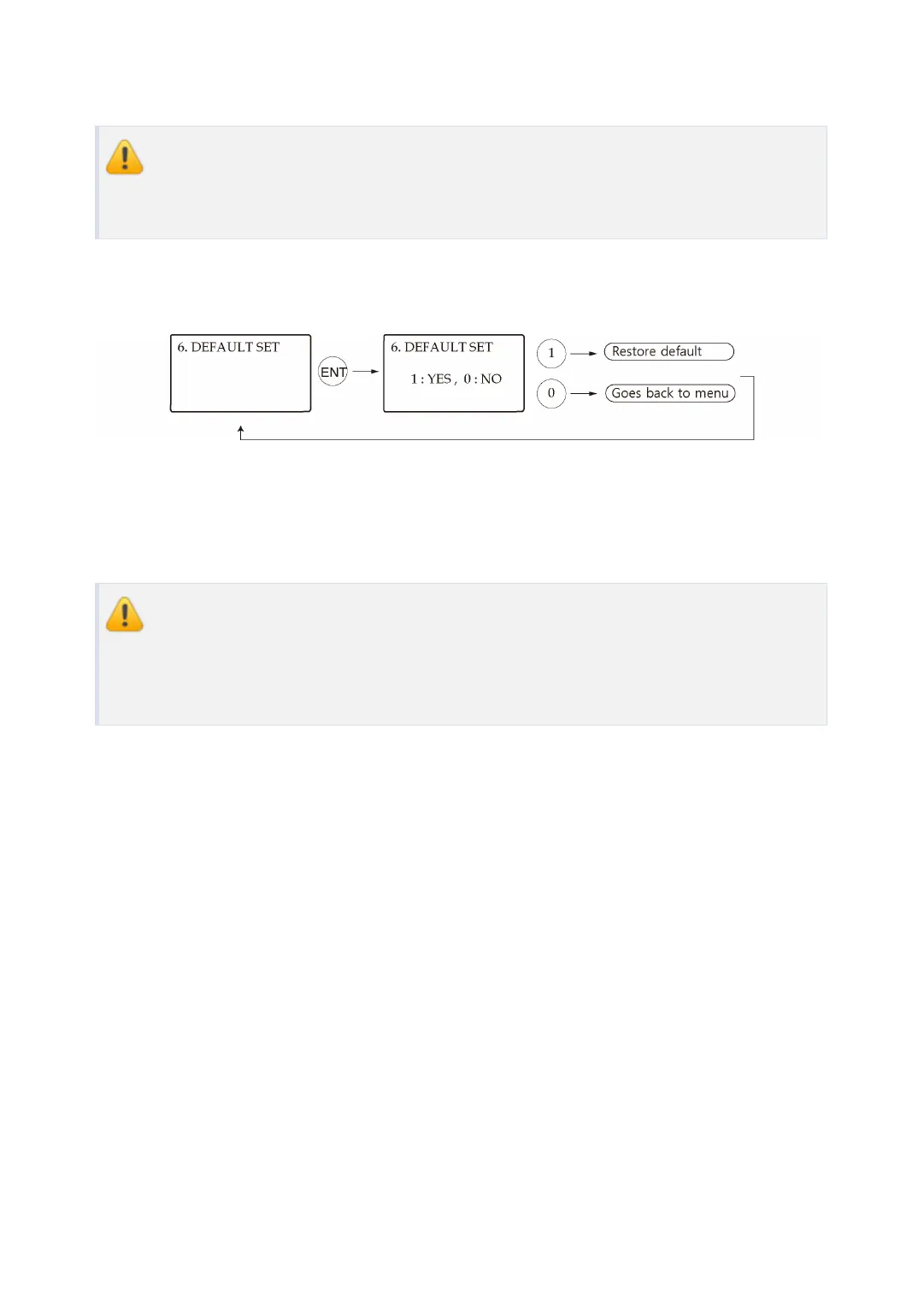
8.6 Default Setting
Here, you can restore the default settings of the LX007, if necessary. Press <ENT> key and pr
ess <1> key to restore the default setting values for all menus and or <0> key to cancel the o
peration.
Before restoring default values for all settings such as Reader Mode, COMM Addre
ss etc, make sure that the stored setting values are not necessary; otherwise, you
may lose all system setting values in the memory and need to adjust the settings all
over again.



 To Next Page