12
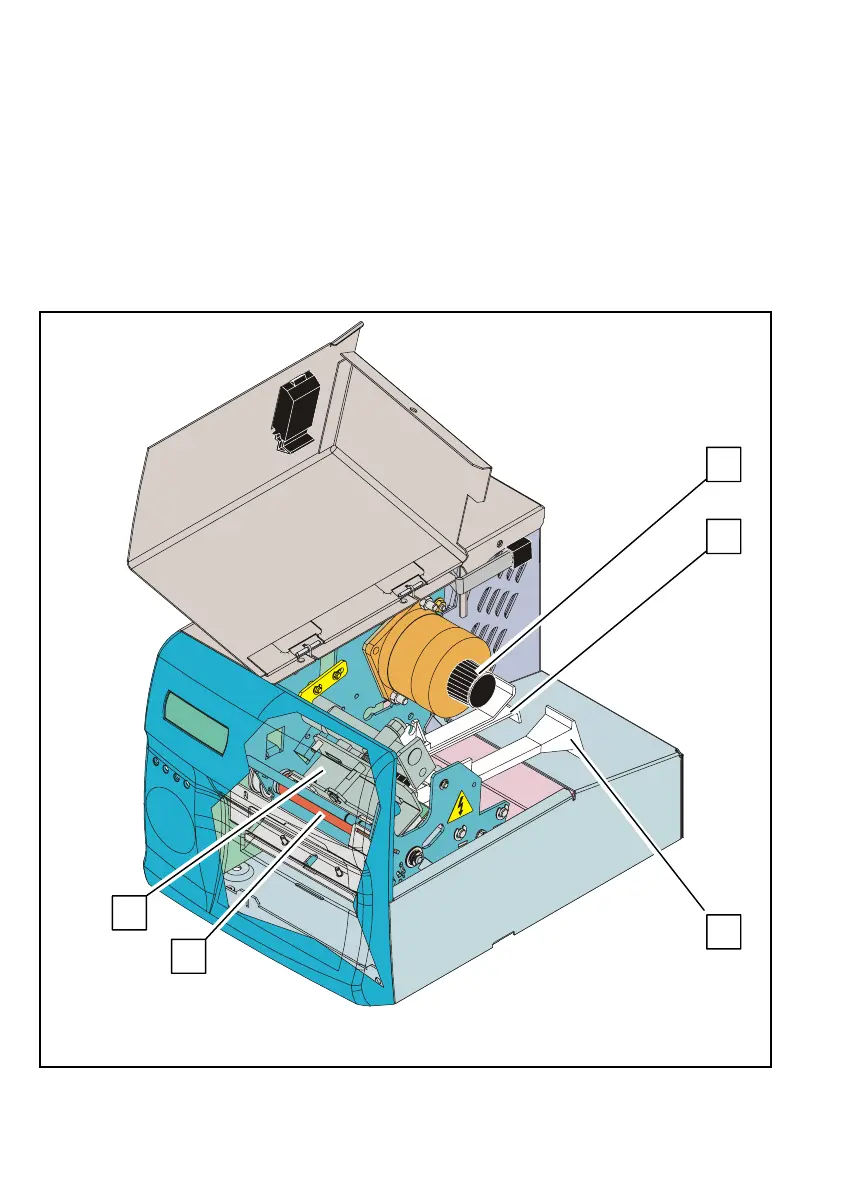
5) Interior View
Opening the right side door gives access to the following elements
located on the paper path side of the printer and allows the operator
to carry out basic operations regarding these elements (described in
the present document):
• Printhead (1) on its retractable mounting
• Platen (2)
• Knob to clear paper jams (3)
• Two paper guides (4) making up the adjustable paper path.
Fig. 11
1
2
4
4
3



 To Next Page