16
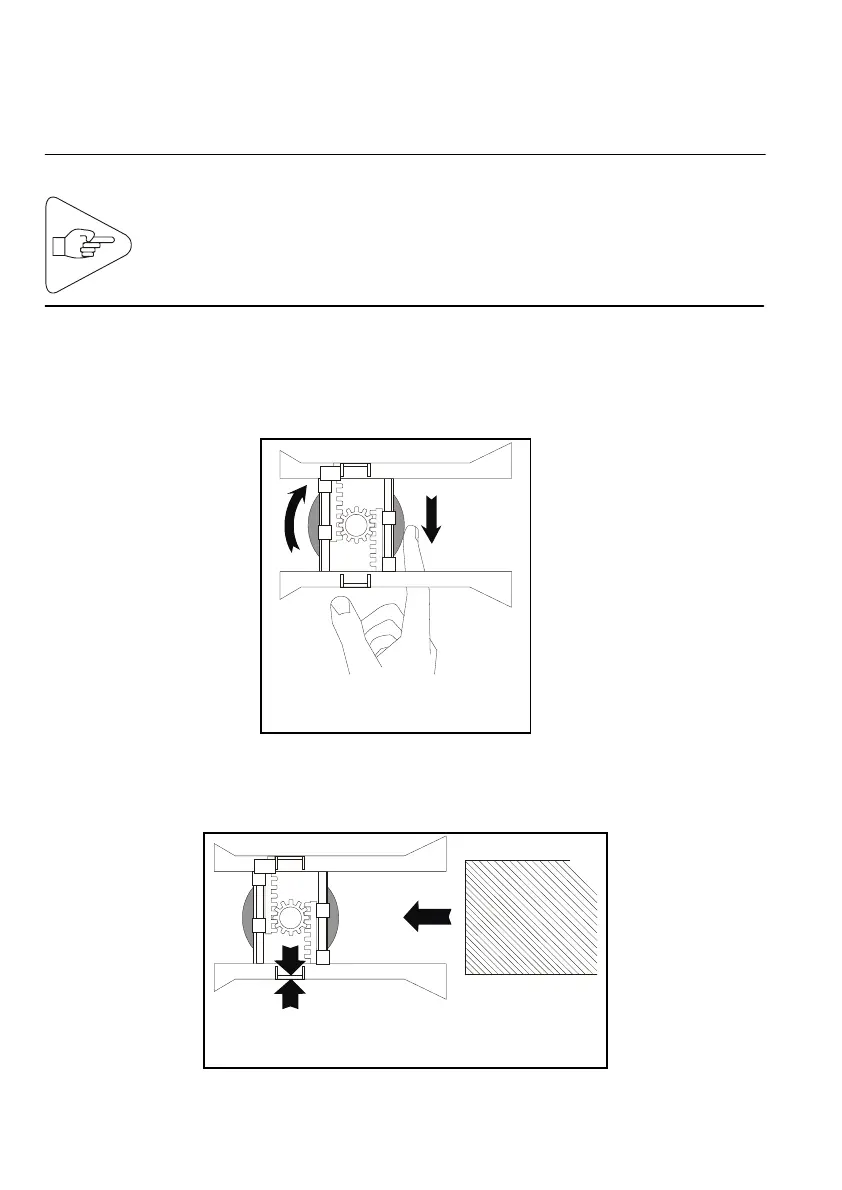
4) Adjusting the Paper Path
Before using the printer for the first time and when changing the
media width, you need to adjust the paper path.
IMPORTANT:
a) Open the right side door (see Page 11).
b) Locate the paper path locking wheel underneath the paper
guides. Loosen the wheel with your forefinger.
c) Adjust the paper path to the width of the media you are planning
to use. Insert the media all the way into the paper path.
Fig. 17
Fig. 18
Loosen the paper path locking wheel before attempting to
chan
e the paper path width. Also, be sure the AC powe
switch is set to the 0-
osition.



 To Next Page