32
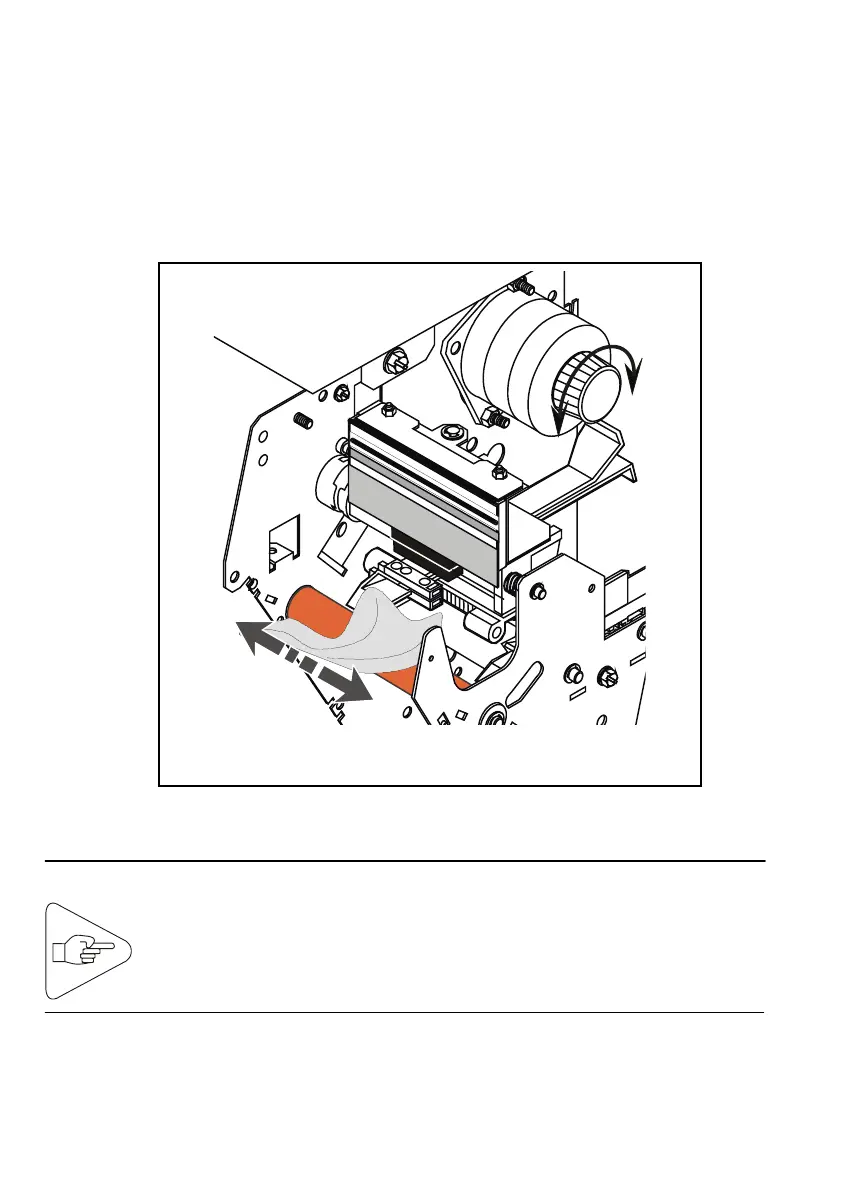
3) Cleaning the Platen and the Printhead
a) Dampen a soft cloth with cleaning solution from the cleaning kit.
b) Carefully wipe the platen (turn the knob used to clear paper jams,
to make sure you clean the entire surface).
c) Use the dust remover can to dry the cleaned platen.
IMPORTANT:
Fig. 33
To clean the printhead, use the alcohol filled foam swabs
contained in the bag carrying the IER P/N T106140.



 To Next Page