14
3) Connecting the Printer to the AC Power - Power-Up
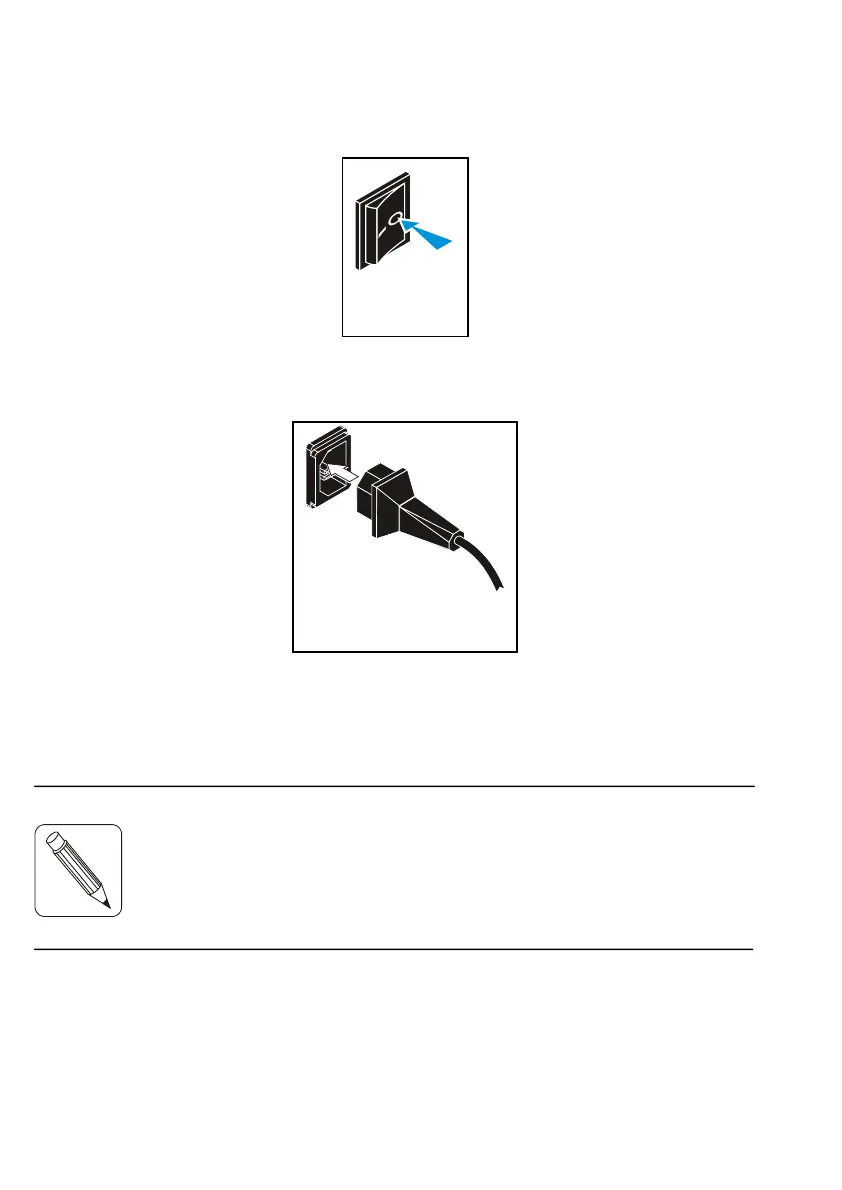
a) Make sure the printer is switched off by checking that the AC
power switch at the rear of the printer is set to the 0-position.
b) Connect the AC power cord first to the AC power connector
located at the rear of the printer, then to the line power outlet.
NOTE:
Fig. 14
Fig. 15
The printer power supply unit is autoranging and selects
automaticall
the line volta
e in use.



 To Next Page