23
E OPERATION
1) Printing a Document
a) Power up the IER 506 Printer (see Page 14).
• If the display reads:
IER 506
OFF LINE MODE
press the On/Off Line key to switch to on line mode:
IER 506
ON LINE MODE
• If an error message is displayed instead, refer to Page 37 to
solve the problem.
b) Send a document printing message from the host to the printer.
c) Check that the Reception LED comes on. This indicator will go
out when document printing is completed.
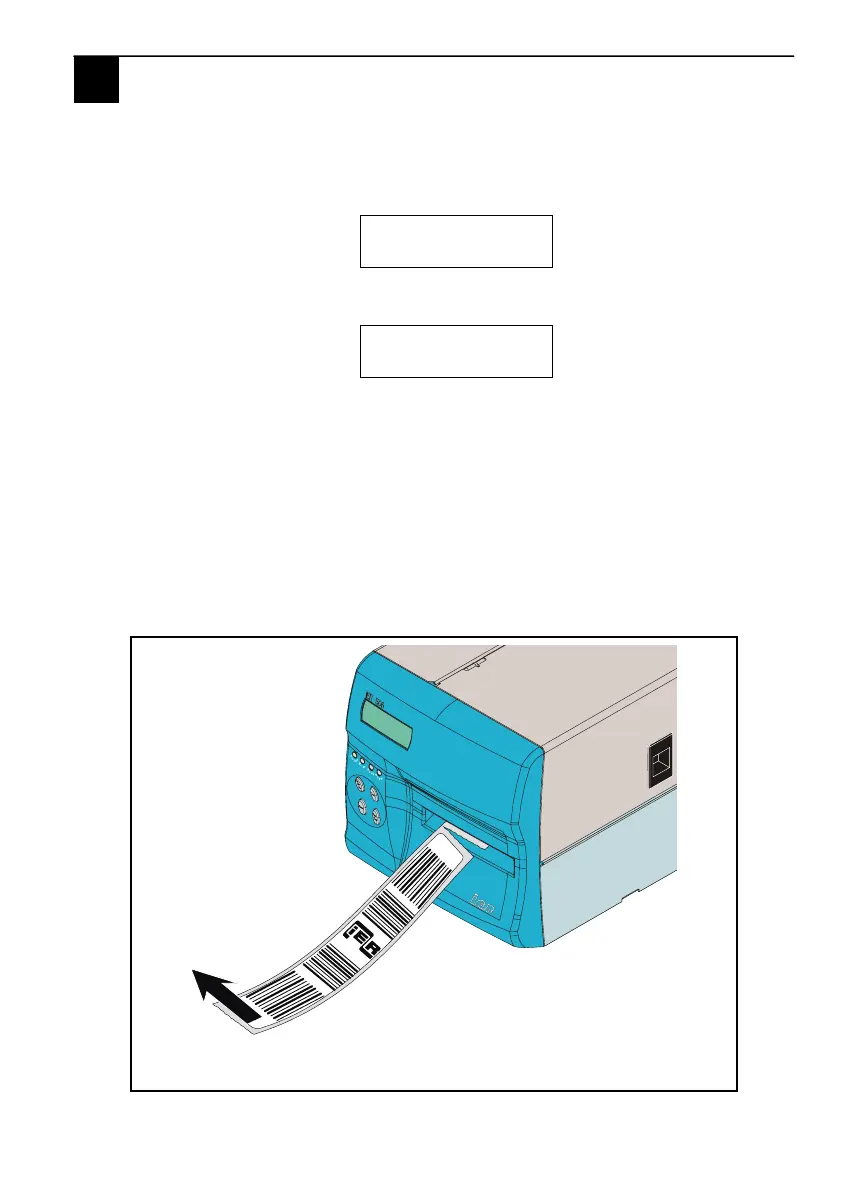
d) The printed document is ready for removal. Tear it off if the
printer features the Tear-Off option.
Fig. 27
E



 To Next Page