13
D INSTALLATION
1) Setting Up the Printer
a) Remove the printer from the shipping container.
b) Place it on an even and stable surface providing enough
clearance so you can fully open the covers.
2) Connecting the Printer to the Host
IMPORTANT:
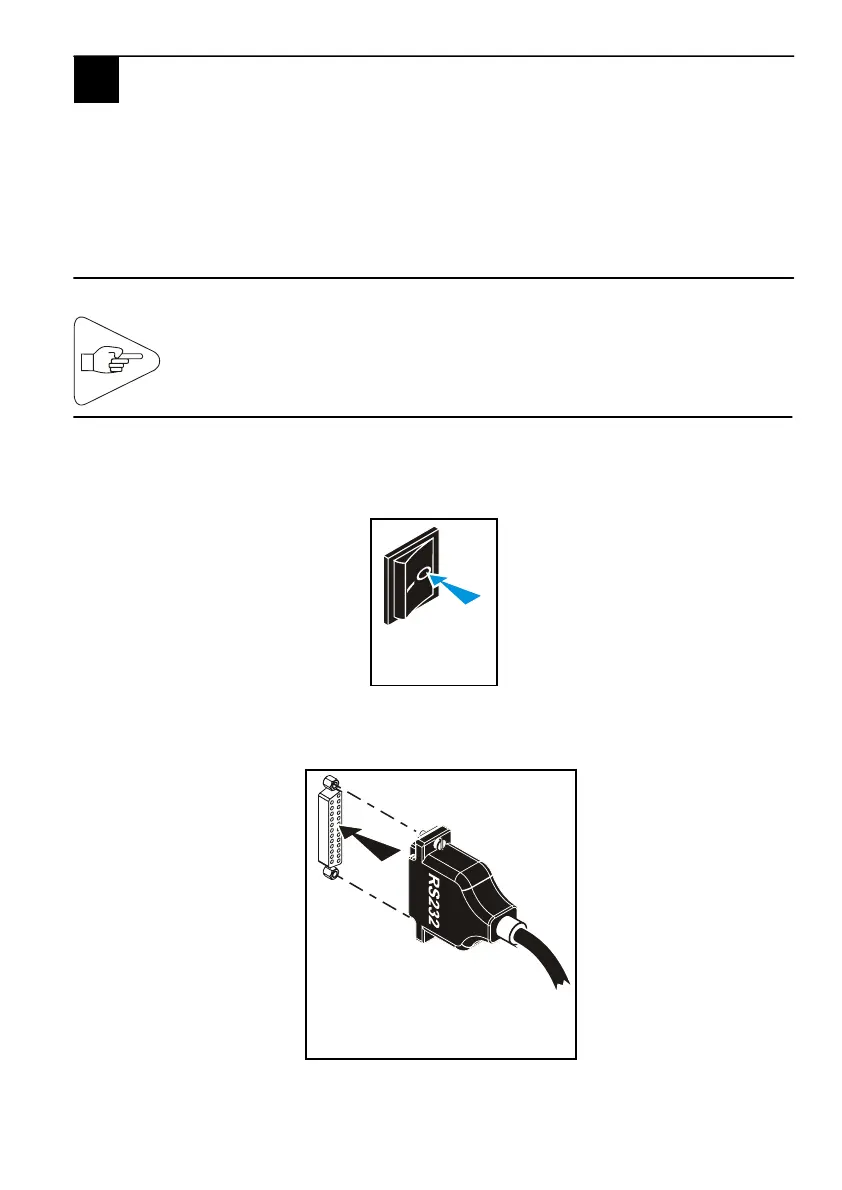
a) Make sure the printer is switched off by checking that the AC
power switch at the rear of the printer is set to the 0-position.
b) Connect and secure the data I/O cable to the corresponding
connector located at the rear of the printer.
Fig. 12
Fig. 13
To connect the printer to the host, it is essential to use a
shielded cable fitted with metal plated connector hoods. The
cable shield must be linked to these hoods.
D



 To Next Page