33
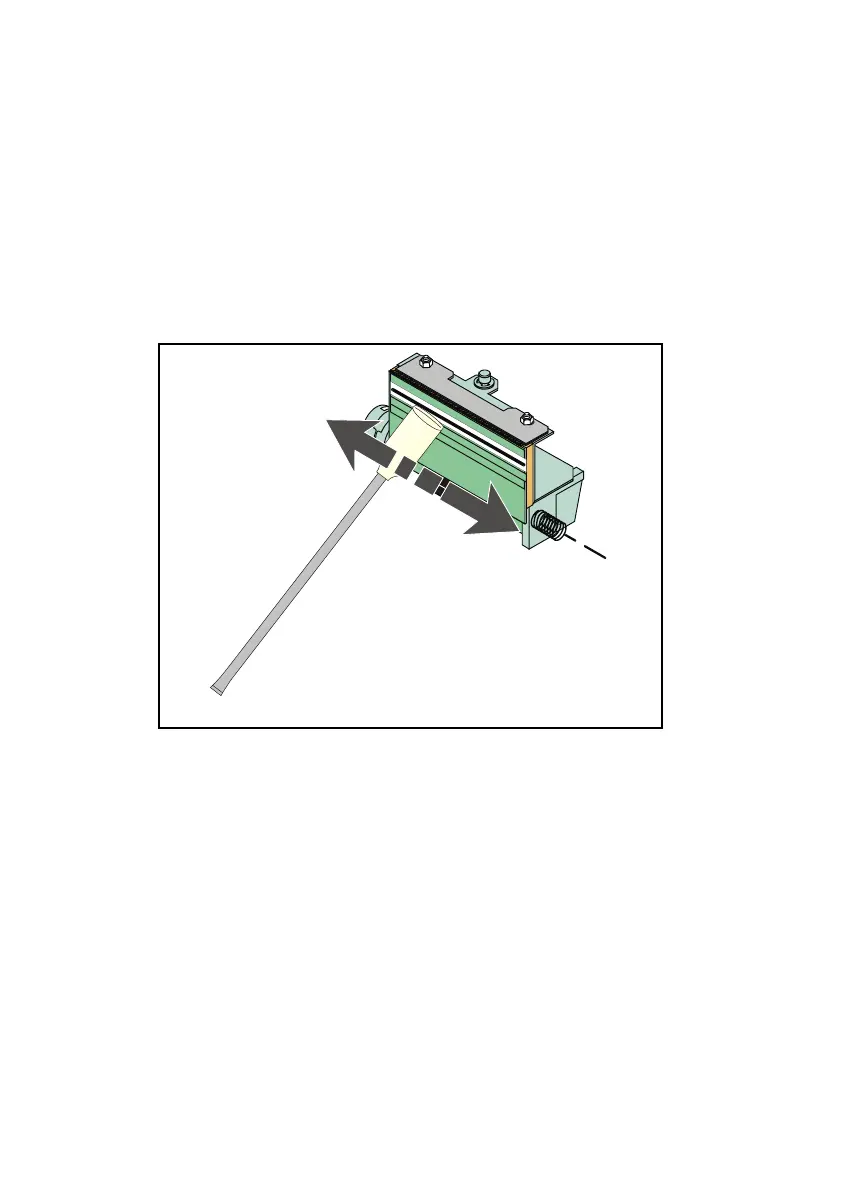
d) Follow the instructions on the bag to adequately prepare the
alcohol filled foam swab for printhead cleaning.
e) Using the alcohol filled foam swab, carefully rub the entire line of
the printhead heating elements.
f) To set the printhead to its initial position, proceed as follows:
• Rotate the printhead in the opposite direction until it snaps
into the operating position.
• Lower the printhead lever into the initial position.
• Close the right side door.
4) Final Check
Having accomplished the periodic maintenance operations, power
up the printer, load media and print a test document (see Page 27)
to check for correct printer operation.
Fig. 34



 To Next Page