36
2) Clearing a Media Jam on Printers with Motorized
Stacker
To clear a media jam inside the printer the procedure is identical to
the one outlined previously.
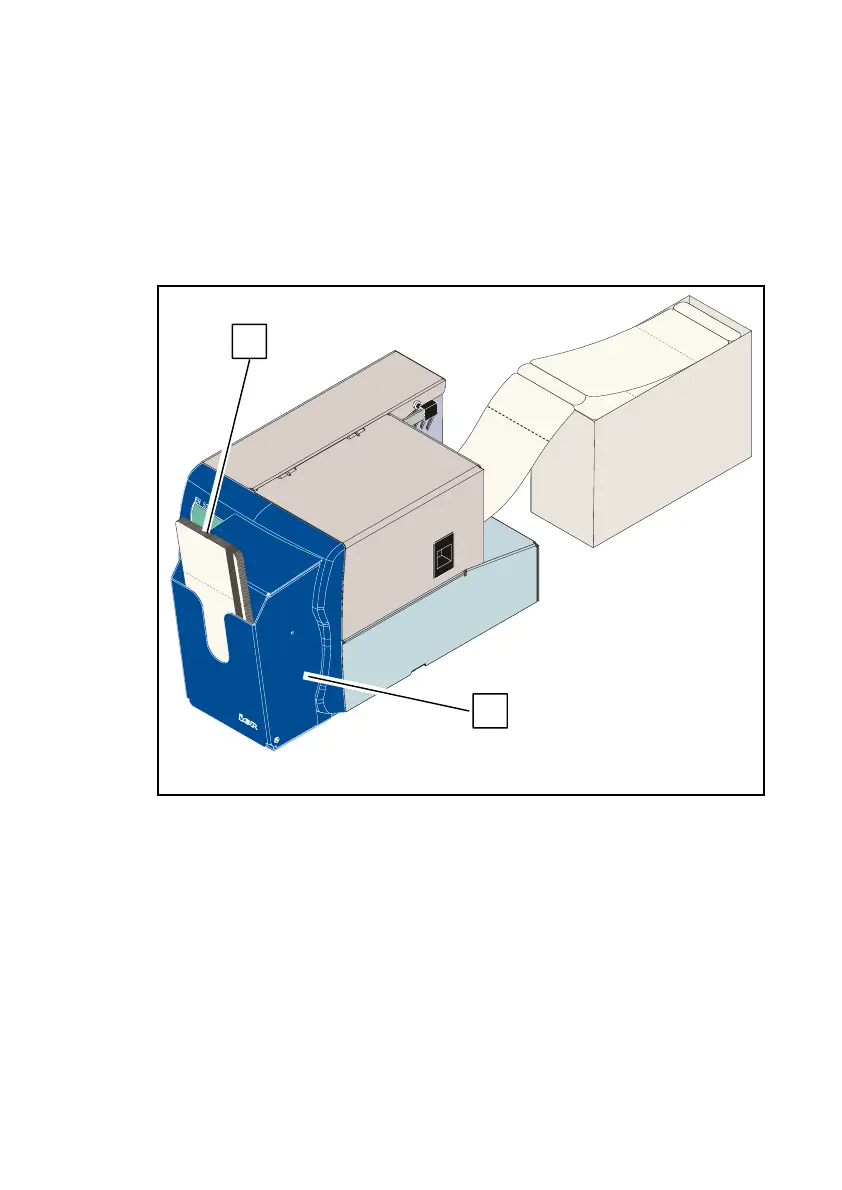
Follow the procedure below for jams at the output slot or in the
motorized stacker (see Fig. 36 and Fig. 37):
a) If applicable, remove the documents (1) from the motorized
stacker (2).
b) Open the cover (3) of the motorized stacker by tilting it towards
the front.
c) Remove the document(s) (4) having caused the jam.
d) Close the cover (2) of the motorized stacker.
e) If necessary, load the printer with media by referring to Page 18
or Page 20.
Fig. 36
1
2



 To Next Page