24
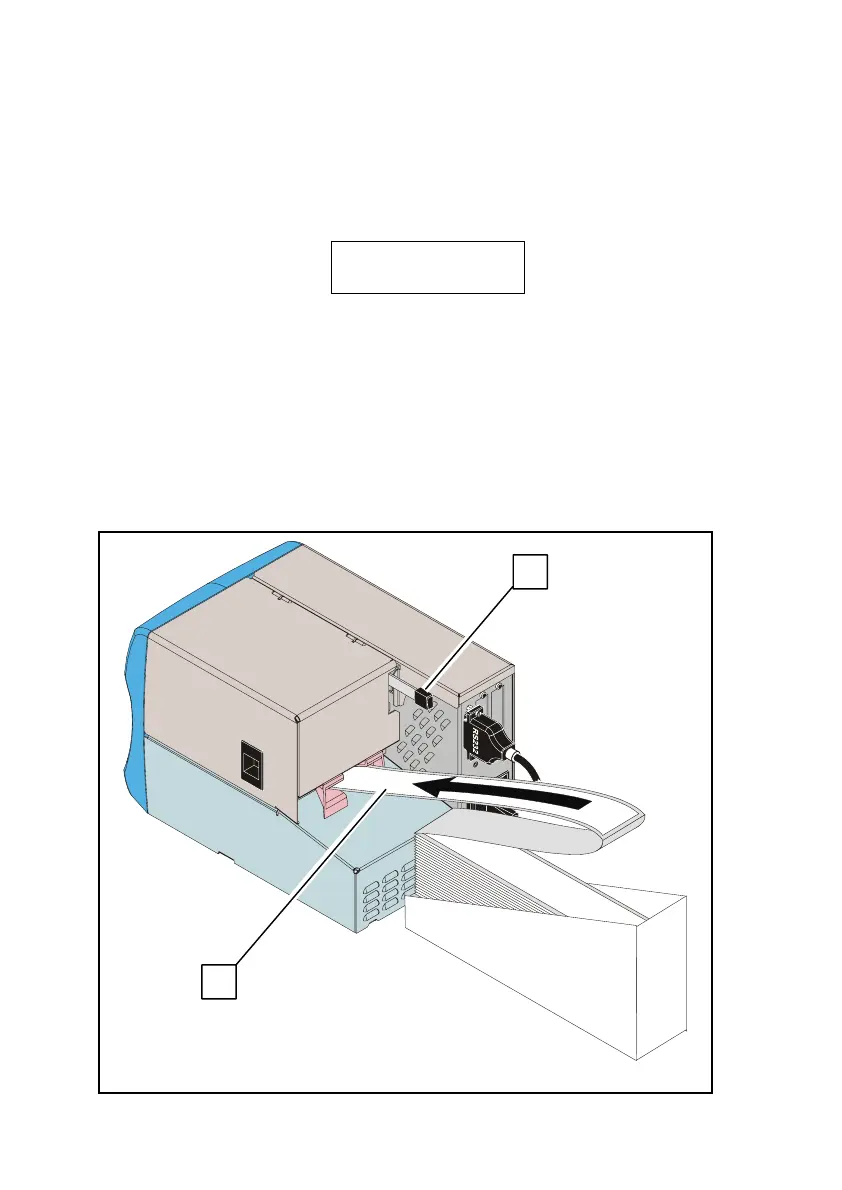
2) Removing Blank Media from the Printer Interior
To remove blank media from the printer interior, proceed in one of
the following two ways:
a) Automatic Media Removal:
• Press the On/Off Line key to switch to the off line mode. The
display will show the following:
IER 506
OFF LINE MODE
• Press the Reset key several times to remove the media (1)
from the drive mechanism.
• Pull the media (1) out of the rear feed slot.
b) Manual Media Removal:
• Push the printhead lever
(2) up.
• Grasp the media (1) and pull it out of the printer through the
rear feed slot.
Fig. 28
1
2



 To Next Page