15
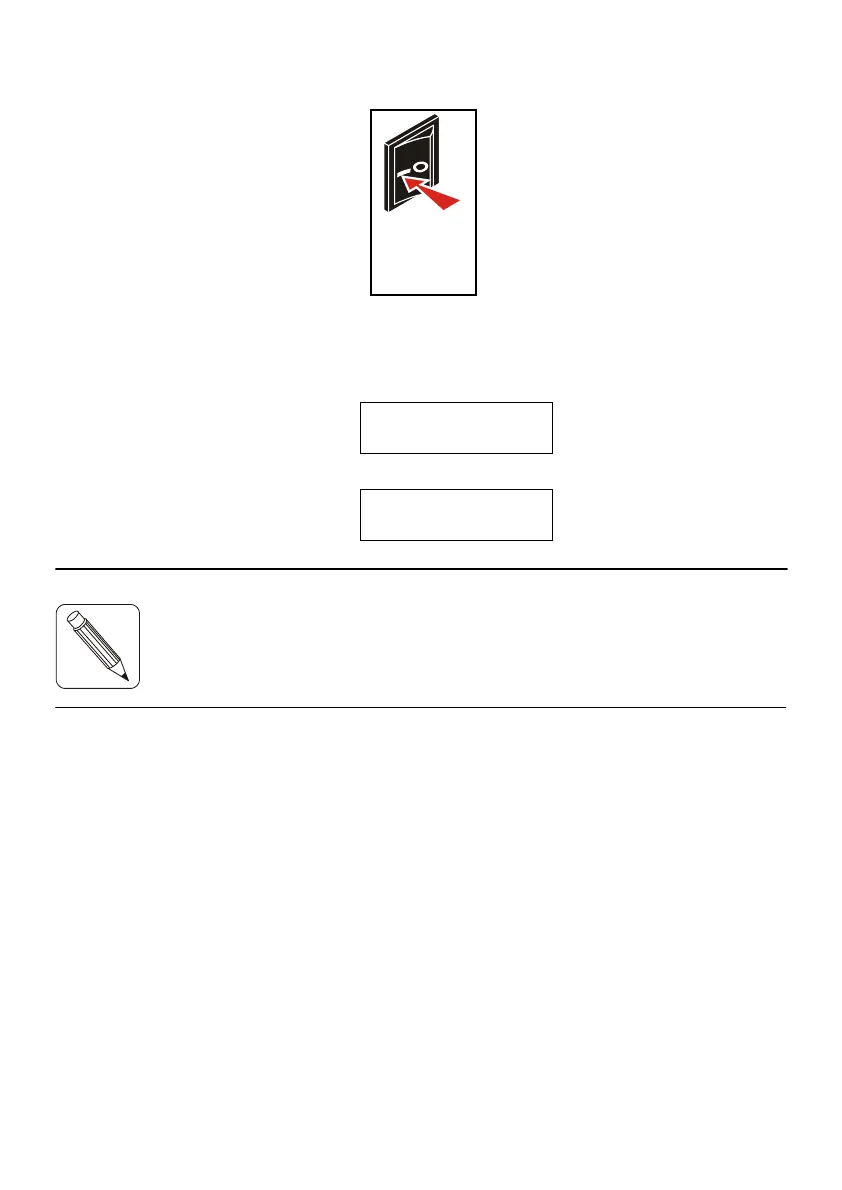
c) Power up the printer by setting the power switch to the I-position.
d) The display lights up. After 9 to 10 seconds, approximately, one
of the following two messages appears:
IER 506
OFF LINE MODE
if the printer is off line, or:
IER 506
ON LINE MODE
NOTE:
e) Adjust the paper path to the width of the media used (see Page
16).
f) Load media stock (see Pages 18 and 20).
Fig. 16
If an error message is displayed instead, refer to Page 37 to solve
the problem.



 To Next Page