26
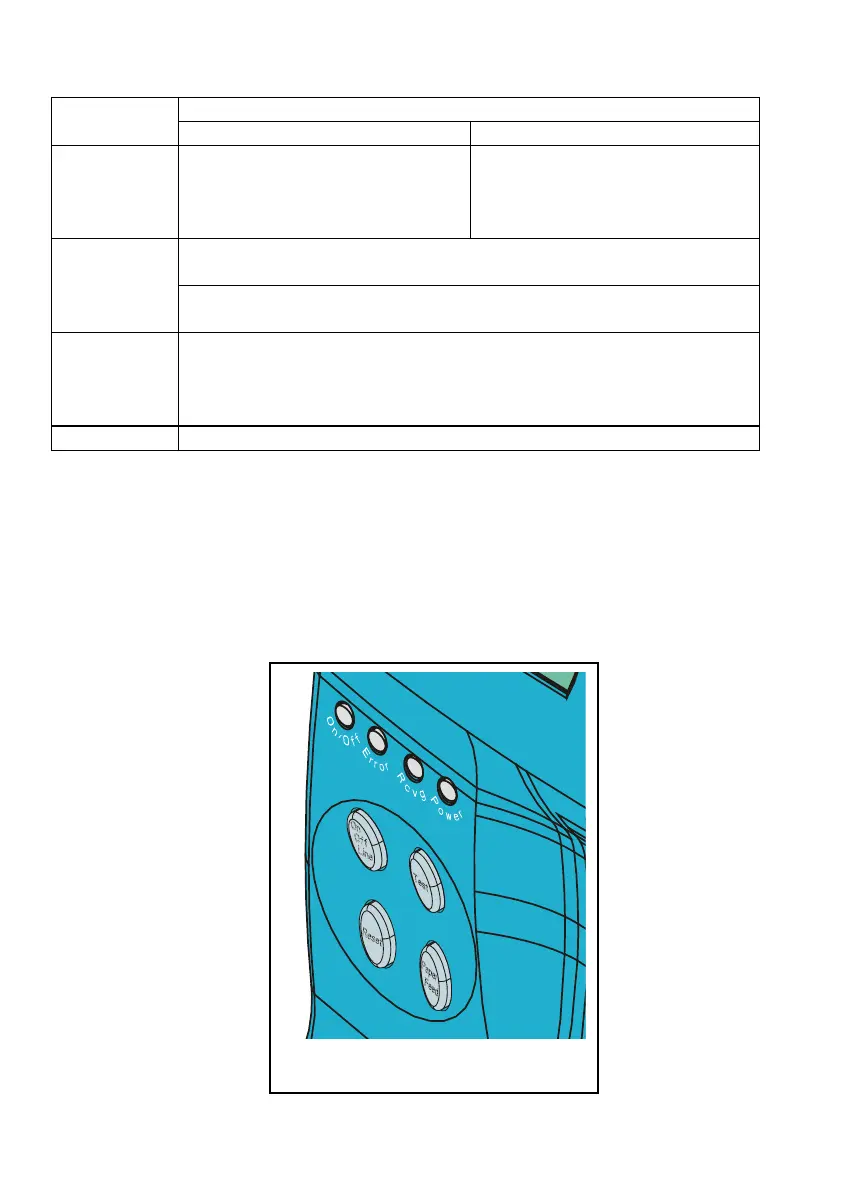
b) LED Indicator Functions
Operating Mode
LED
Indicator
On Line Mode Off Line Mode
On/Off
When on, indicates that the
printer is in on line mode. It is
ready to receive messages
from the host.
When off, shows that the
printer is in off line mode. The
Self-Test and Configuration
menus can be accessed.
When on, indicates an operating problem (warning or error
condition). Solve the problem and press Reset.
Error
When flashing, indicates a reception error of the message from
the host.
Rcvg
When on, indicates that the printer is receiving a message from
the host. It is automatically turned off on completion of
document printing (both in the on line mode and the Self-Test
and Configuration menus).
Power
When on, indicates the printer is powered up.
Fig. 29



 To Next Page