15
UK
•LEDs1-6=Unitofthecurrentlyrepresentednumericalvalue→11.1Readingthe
process value
•LED 7 = current process value in 10
3
•LED 8 = not used
9: Alphanumeric display, 4 digits
•Current volumetric flow quantity (with setting [SELd] = [FLOW])
•Current medium temperature (with setting [SELd] = [TEMP])
•Parameters and parameter values
10: [Enter] button
•Selection of the parameters
•Reading of the set values
•Confirmation of the parameter values
Representationin→8Menu:
11: Buttons up [▲] and down [▼]
•Selection of the parameters
•Activation of the setting functions
•Changing the parameter values
•Change of the display unit in the normal operating mode (Run mode)
•Locking / unlocking
Representationin→8Menu: and
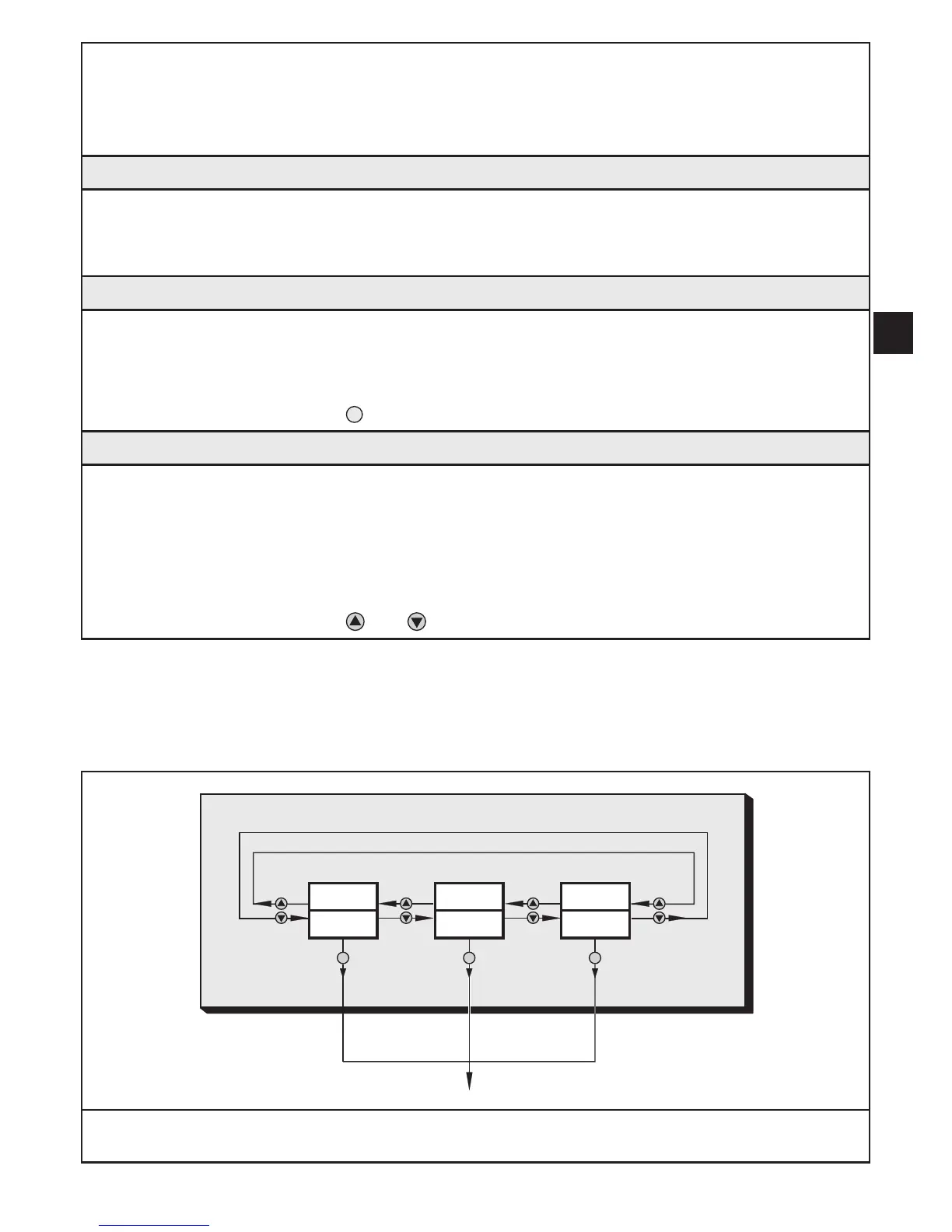
8 Menu
8.1 Process value display
gpm
°F
gph
l/min °Cm
3
/h
↓Mainmenu










 To Next Page