27
UK
10.6.2 Reading the min/max values for the temperature
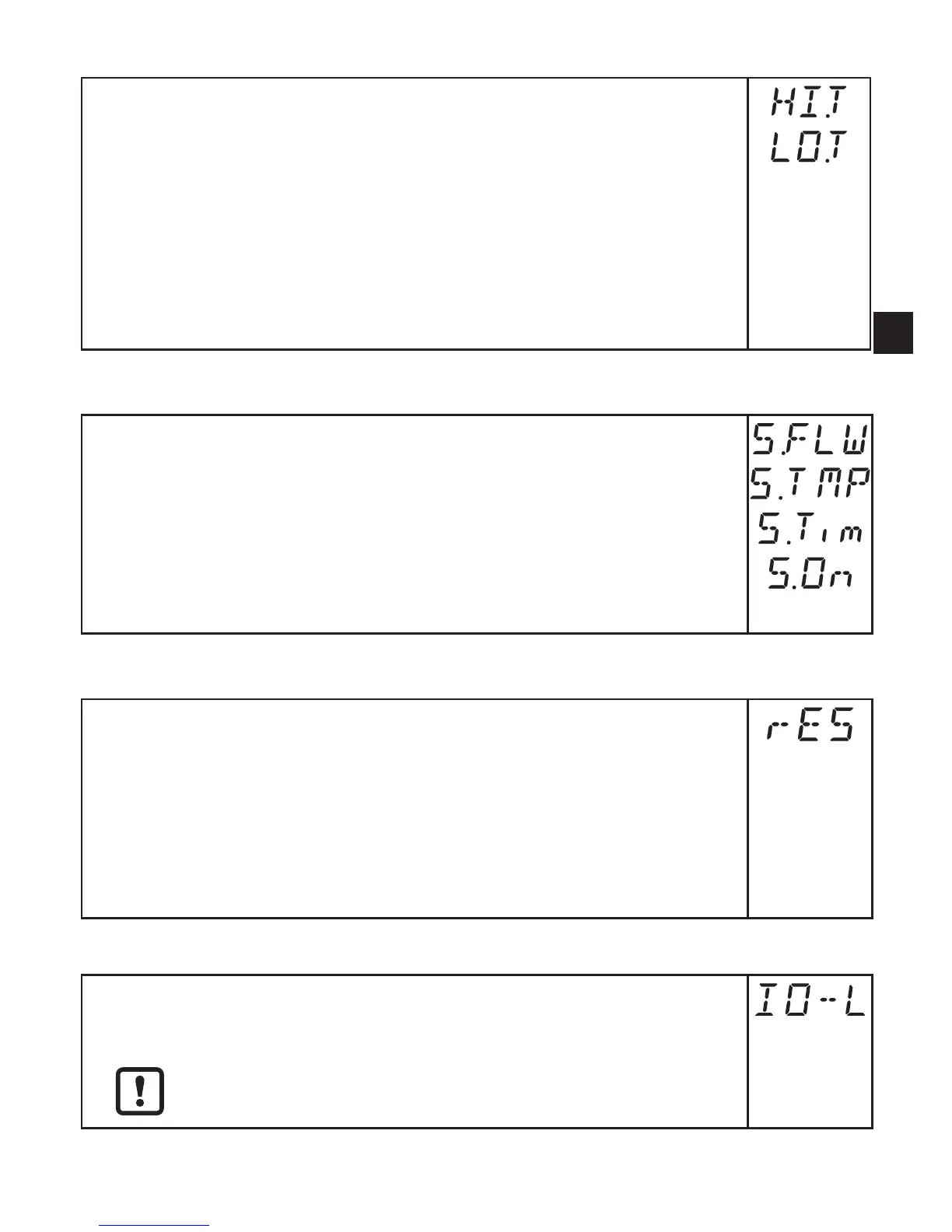
► Select [HI�T] or [LO�T]
[HI�T] = max� value, [LO�T] = min� value�
Delete memory:
► Select [HI�T] or [LO�T]�
► Press [Enter] briefly�
► Keep[▲]or[▼]pressed.
> [----] is displayed�
► Press [Enter] briefly�
It makes sense to delete the memories as soon as the unit operates under
normal operating conditions for the first time�
10.6.3 Simulation menu
► Select [S�FLW] and set the flow value to be simulated�
► Select [S�TMP] and set the temperature value to be simulated�
► Select [S�Tim] and set the time of the simulation in minutes�
► Select [S�On] and set the function:
- [On]: The simulation starts� The values are simulated for the time set
at [S�Tim]� [SIM] is displayed simultaneously with the process values�
Cancel with [Enter]�
- [OFF]: The simulation is not active�
10.6.4 Resetting all parameters to factory setting
► Select [rES]�
► Press [Enter] briefly�
► Keep[▲]or[▼]pressed.
> [----] is displayed�
► Press [Enter] briefly�
Forthefactorysettingspleaserefertotheendoftheseinstructions→13.
We recommend taking down your own settings in that table before carrying
out a reset�
10.6.5 Activating the IO-Link communication interface
► Select [IO-L] and set the function:
- [OFF] = IO-Link interface deactivated�
- [On] = IO-Link interface activated�
The analogue output OUT1 is deactivated when the IO-Link
interface is activated�










 To Next Page