25
UK
10.5 User settings (optional)
10.5.1 Setting of the standard unit of measurement for temperature
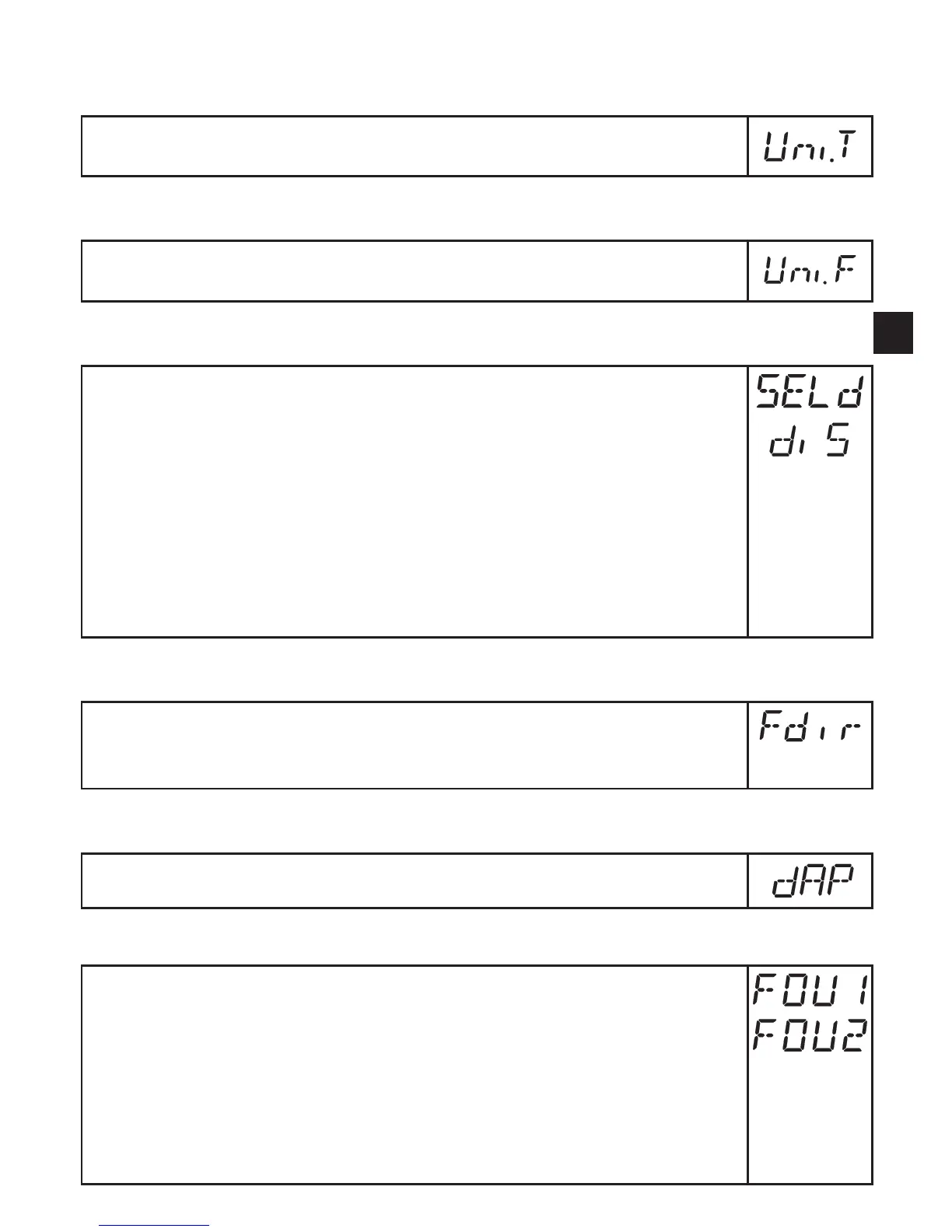
► Select [Uni�T] and set the unit of measurement: [°C] or [°F]�
10.5.2 Setting of the standard unit of measurement for volumetric flow
► Select [Uni�F] and set the unit of measurement: [Lmin], [m3h], [gpm] or
[gph]
10.5.3 Configuration of the standard display
► Select [SELd] and determine the standard measuring unit:
- [FLOW] = the current volumetric flow value in the standard unit of
measurement is displayed�
- [TEMP] = the current medium temperature is displayed�
► Select [diS] and set the update rate and orientation of the display:
- [d1] = update of the measured values every 50 ms�
- [d2] = update of the measured values every 200 ms�
- [d3] = update of the measured values every 600 ms�
- [rd1], [rd2], [rd3] = display as for d1, d2, d3; rotated by 180°�
- [OFF ] = the display is switched off in the operating mode�
10.5.4 Changing the direction of the flow rate measurement
► Select [Fdir] and set the direction of flow:
[+] = flow in the direction of the flow arrow (= factory setting)
[-]=flowagainsttheflowarrow►labeloverthearrow
10.5.5 Setting of measured value damping
► Select[dAP]andsetthedampingconstantinseconds(τvalue63%).
10.5.6 Setting of the error behaviour of the outputs
► Select [FOU1] and set the value:
- [On ] = the analogue signal goes to the upper fault value�
- [OFF ] = the analogue signal goes to the lower fault value�
- [OU] = the analogue signal corresponds to the measured value�
► Select [FOU2] and set the value:
- [On ] = the analogue signal goes to the upper fault value�
- [OFF ] = the analogue signal goes to the lower fault value�
- [OU] = the analogue signal corresponds to the measured value�










 To Next Page