24
10.2.1 Switching between the menu levels
Change to the
submenu
Switching to the next submenu via the parameters [EF], [CFG],
[MEM], [EPD] or [SIM]�
► Selectasubmenuwith[▲]or[▼]andswitchtothesubmenu
by pressing [Enter]�
Back to the process
value display
► Wait for 30 seconds
or
► Change from the submenu to the main menu, from the main
menutotheprocessvaluedisplaywith[▲]or[▼].
10.2.2 Locking / unlocking
The unit can be locked electronically to prevent unintentional settings� On delivery:
not locked�
Locking is also possible via an IO-Link capable parameter setting tool�
Locking ► Make sure that the unit is in the normal operating mode�
► Press[▲]and[▼]simultaneouslyfor10s.
> [Loc] is displayed�
During operation: [Loc] is briefly displayed if you try to
change parameter values�
Unlocking ► Press[▲]and[▼]simultaneouslyfor10s.
> [uLoc] is displayed�
10.2.3 Timeout
If no button is pressed for 30 s during parameter setting, the unit returns to the
operating mode with unchanged parameter�
10.3 Setting the analogue value for volumetric flow
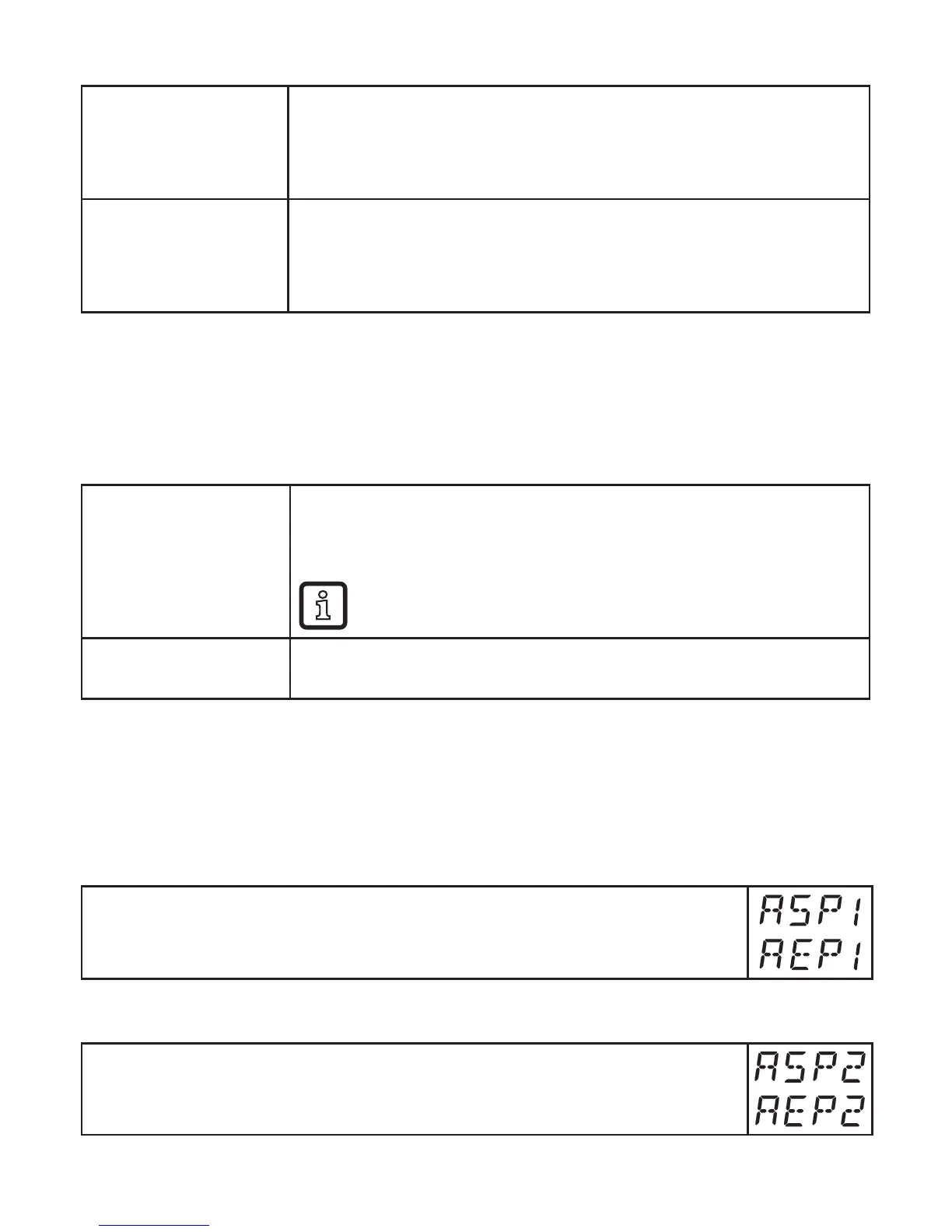
► Select [ASP1] and set the value at which the minimum value is provided�
► Select [AEP1] and set the value at which the maximum value is pro-
vided�
10.4 Setting the analogue value for temperature
► Select [ASP2] and set the value at which the minimum value is provided�
► Select [AEP2] and set the value at which the maximum value is pro-
vided�





 To Next Page