Description
2014-04-15 33
Pos: 47 /806-IHSE/ Beschreibung/Di agnose LEDs/UEB_Diagnos e_LEDs @ 6\mod_13045840047 23_6.doc @ 51146 @ @ 1
3.7 Status LEDs
Pos: 48 /806-IHSE/ Beschreibung/Di agnose LEDs/474-xx/Dia gnose KVM-Extender- Modul @ 6\mod_13045840919 41_6.doc @ 51165 @ 3 @ 1
3.7.1 Status KVM Extender Module
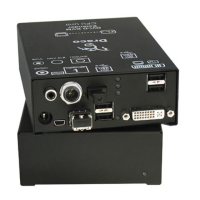
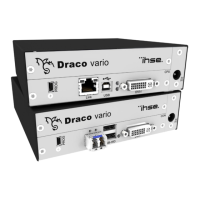
The KVM Extender module is fitted with a multi color LED on both sides
for overall status indication and with two further LEDs on the back side for
indication of the connection status.
CPU Module CON Module
2
3
1
12
3
2
3
1
2
3
1
Rear View Rear View
LED 1 and 2: Connection Status
Pos. LED Status Description
Off Connection available 1
Failure LED
(green)
On or
Flashing
Connection failure (flashing for about
20 s following a connection failure)
Flashing No connection via interconnect cable 2
Status LED
(green)
On Connection available
LED 3: USB and Video Status
LED color Description
Red Device ready
Violet
Connection and USB signal (interconnect) available
Green Connection and video signal available
Light Blue
Connection, USB and video signal available
(operating status)
Pos: 49 /806-IHSE/ Beschreibung/Di agnose LEDs/474-xx/Dia gnose KVM-Extender- Modul VGA / DVI-I @ 6\mod_13045 84132098_6.doc @ 51183 @ 3 @ 1



 To Next Page
 Loading...