MDtest (100-140 V) - User’s Manual 7 Additional informations
7 Additional informations
7.1 Communication – data transfer
Data transfer between the MDtest and the PC is completely controlled by the PC
software and it cannot be controlled directly from the measuring device. To transfer
data, prepare the MDtest as follows:
• Connect the MDtest to a PC using a USB cable plugged into connector 9
(drivers must be installed on the PC for the proper use of USB communica-
tion).
• If the MDtest is in the mode of working with databases, shut it down and set
the device to measuring mode.
• Before transferring data from a PC to the MDtest, memory will be erased.
How long it takes to erasing entries depends on the memory usage. It can take
up to 2 minutes when all memory locations are occupied. Attention: data
unsaved to the PC will be lost forever!
• Do not operate with the instrument during data transfer.
• An informative window is displayed during data transfer.
7.2 Messages on the display
7.2.1 Warning messages
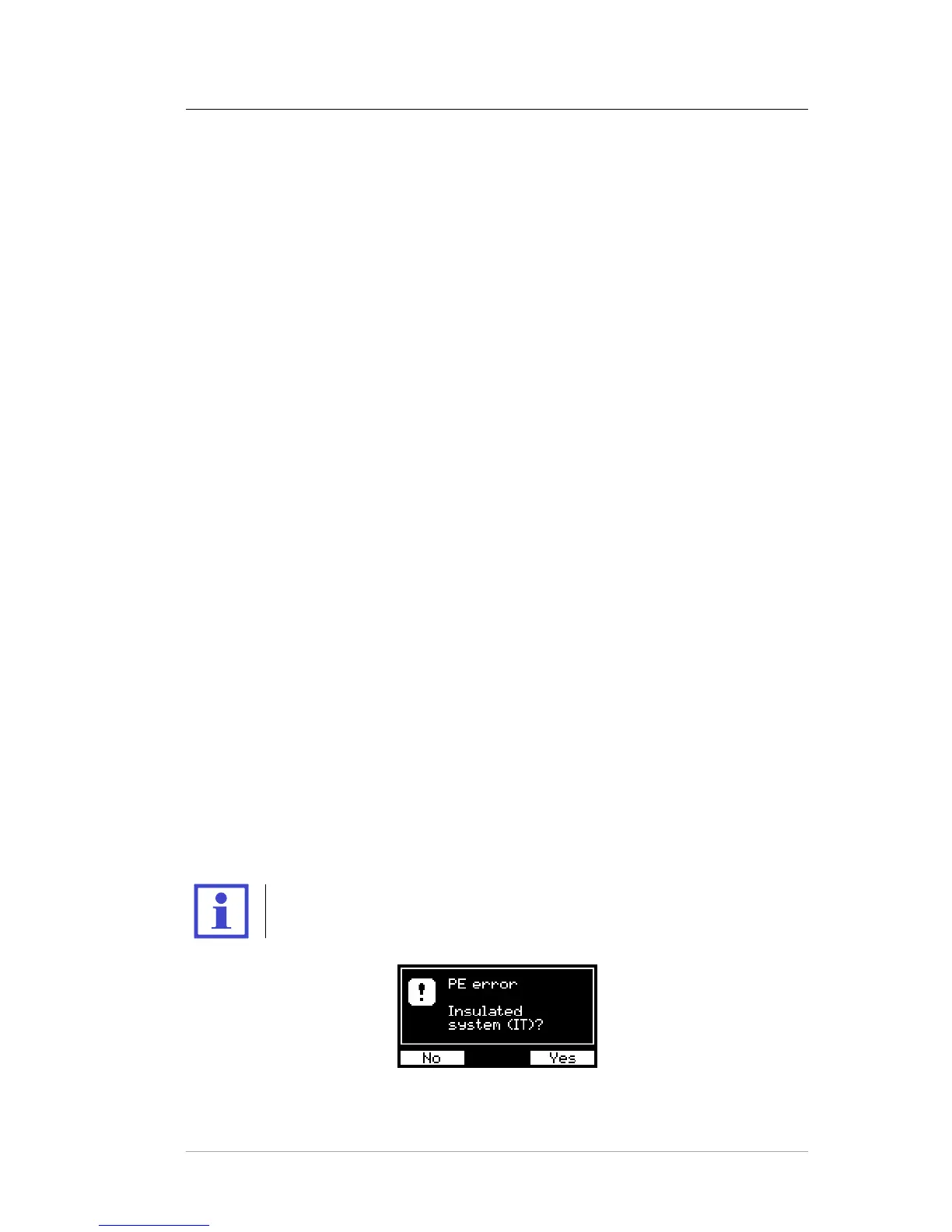
PE error
A fault occurred in the PE circuit. The cause may be:
• the PE conductor circuit is not sufficiently grounded (high impedance fault
loop or IT system)
• voltage on the protective wire
All device functions are blocked. If it is the IT system, the user must confirm this
condition (see Figure 23). The resistance of the PE conductor, substitute leakage
current and insulation resistance can be only measured in IT systems. In other
cases, we cannot continue measuring (see Figure 24).
The test of the PE circuit is performed only once, immediately after
connection to the mains.
Figure 23: Warning message: PE error (IT systems)
c
2018 ILLKO, s.r.o. www.illko.cz Page 56



 To Next Page