MDtest (100-140 V) - User’s Manual 7 Additional informations
7.2.2 Operational information
Measuring in progress
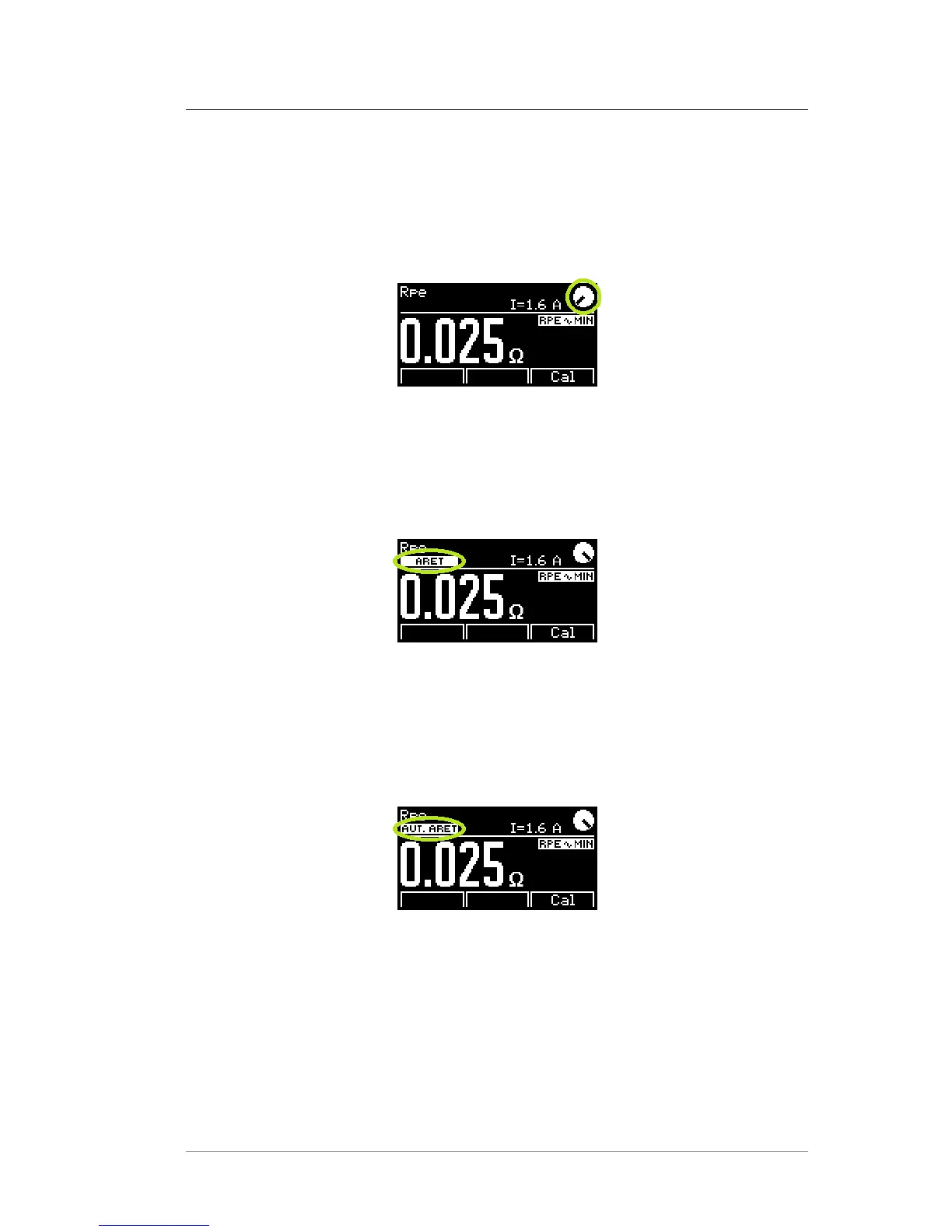
An animated symbol indicates that the measurement is running (Figure 38). It is
displayed only during measurement and a LED indicator 33 simultaneously flashes.
Figure 38: Measuring in progress
Locking the measurement
The locking can be cancelled by pressing the [TEST] key or any key except for [H]
and [esc].
Figure 39: Locking the measurement
Automatically locking the measurement
The locking can be cancelled by pressing the [TEST] key or any key except for [H]
and [esc]. This setting can be enabled / disabled in Setup menu, see chapter 6.5.6.
Figure 40: Automatically locking the measurement
c
2018 ILLKO, s.r.o. www.illko.cz Page 62



 To Next Page