MDtest (100-140 V) - User’s Manual 7 Additional informations
7.2.4 Database information
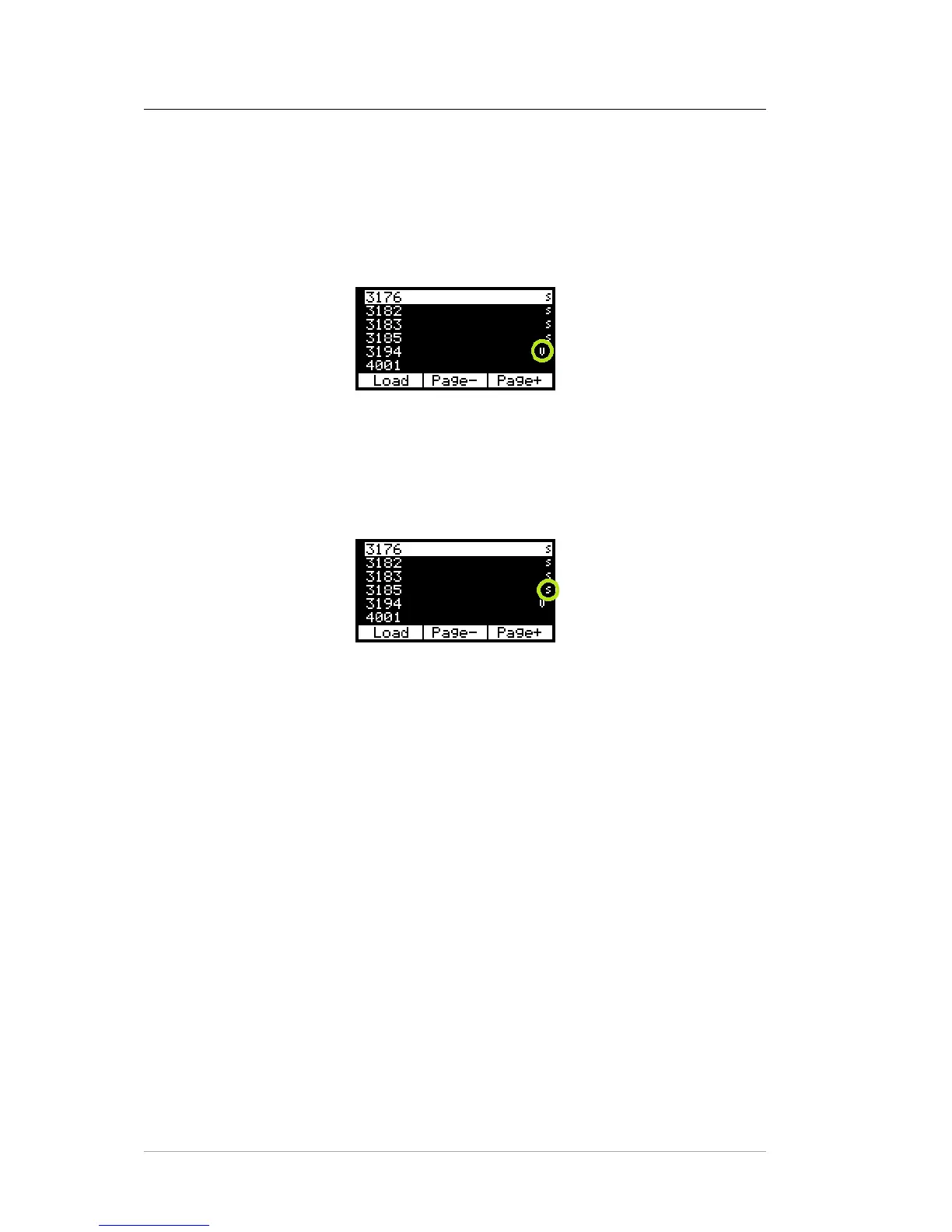
The appliance has associated data about a performed measurement
When data transfer from the temporary memory to the main memory is performed,
then the symbol is displayed. The symbol is displayed even if no measurement has
been performed.
Figure 48: The appliance has associated data about a performed measurement
The appliance has associated data about a test sequence
The procedure is activated automatically after loading the appliance data from the
temporary memory to the main memory (see chapter 5.6).
Figure 49: The appliance has associated data about a test sequence
7.3 Reset of the instrument
It is advised to execute an instrument RESET in the event of a malfunction. Dis-
connect the MDtest from mains, wait 30 s and plug it in again. If problems occur
with the database system of MDtest, please reset the device and erase the memory
(see chapter 6.5.5).
Attention! All data stored in the main memory will be lost.
If malfunction persists, contact your local distributor.
c
2018 ILLKO, s.r.o. www.illko.cz Page 65



 To Next Page