Chapter 3: Sensor Installation & Setup
RTMS Echo User Guide ©2019 Image Sensing Systems Inc. 3-5
Logging in to the Sensor For the First Time
1. Start your internet browser. Note, the screen shots shown below are taken
from Google Chrome and Firefox.
2. In the address field, type the IP address of the RTMS Echo.
The default is 192.168.0.10.
3. Press Enter.
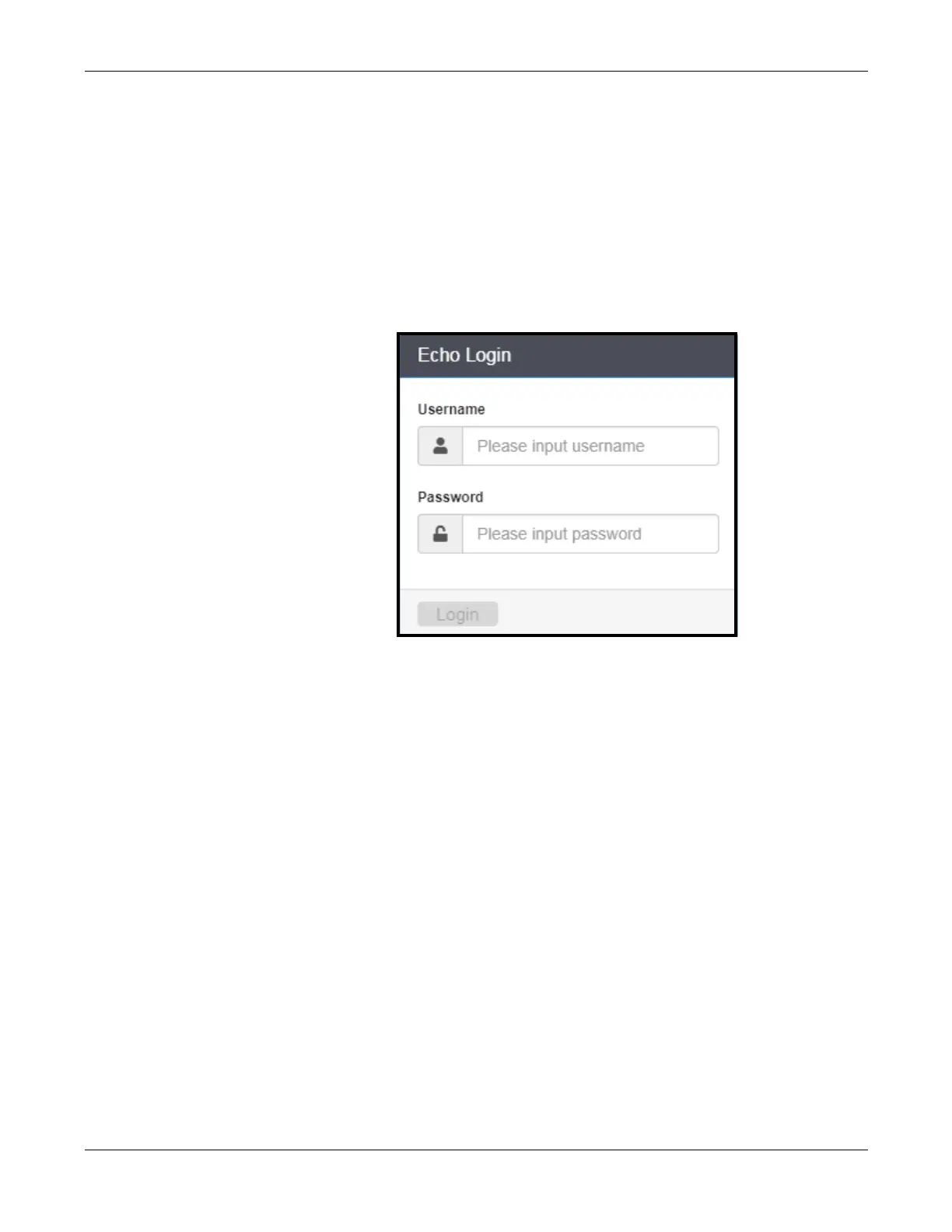
The RTMS Echo login window appears.
4. Enter the User name and Password. The defaults are:
•
User name: admin
•
Password: admin
5. Click Login.


 To Next Page