Chapter 3: Sensor Installation & Setup
RTMS Echo User Guide ©2019 Image Sensing Systems Inc. 3-6
Aiming the Sensor
1. Log in to the sensor.
2. Select the Aim tab.
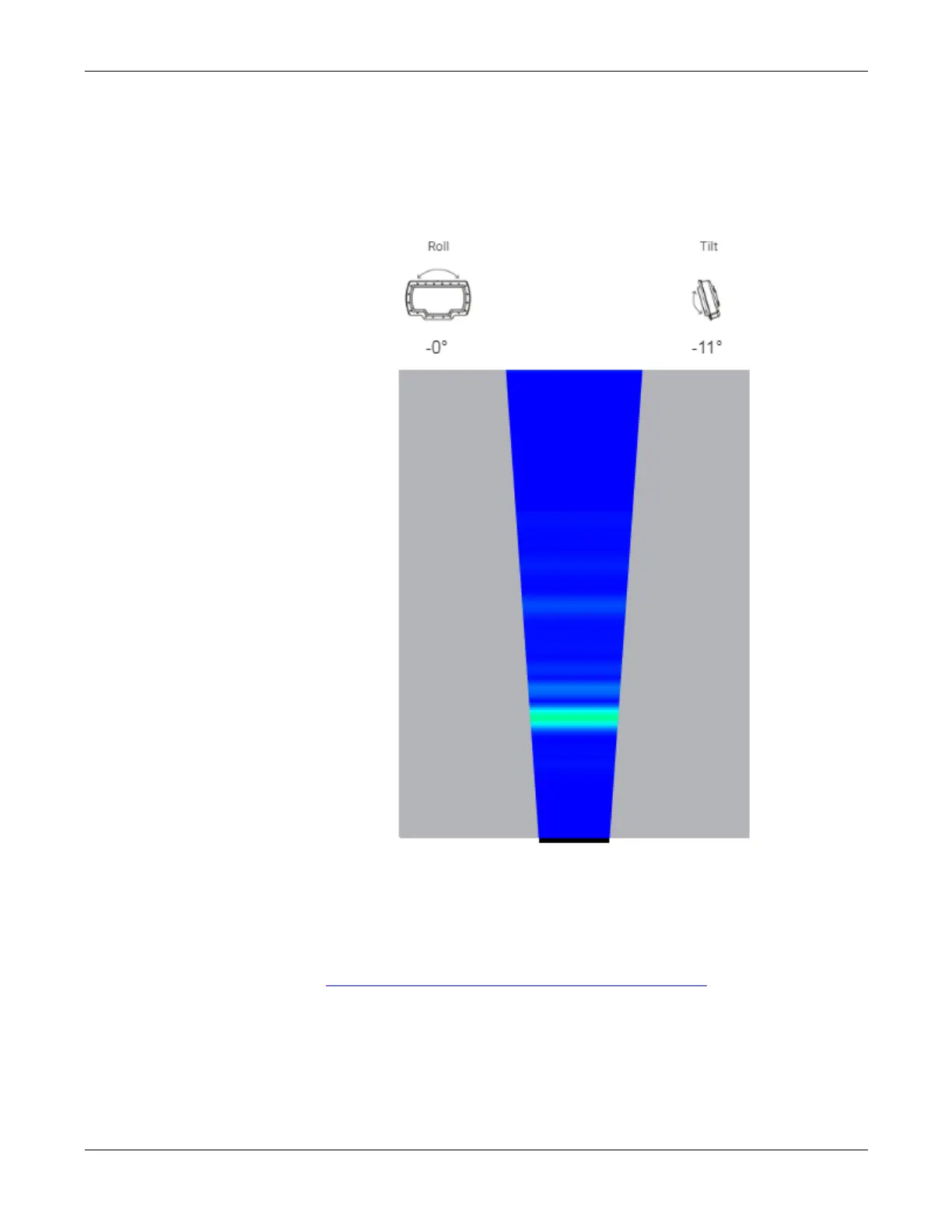
3. Move the left/right side of the sensor up or down to adjust the roll
according to the slant of the road.
For a level road, the roll should be set to -0.
4. Tilt the sensor forward or back to adjust the tilt to match the specifications
in “Height, Setback, Tilt Requirements” on page 2-11
.
5. Tighten the nuts securing the sensor to the mounting bracket.
6. Detect and adjust zones.


 To Next Page