Chapter 4: Operations and Adjustments
RTMS Echo User Guide ©2019 Image Sensing Systems Inc. 4-44
Settings Tab
This tab is used to enter a name for the Echo sensor and to set operational
parameters for the sensor.
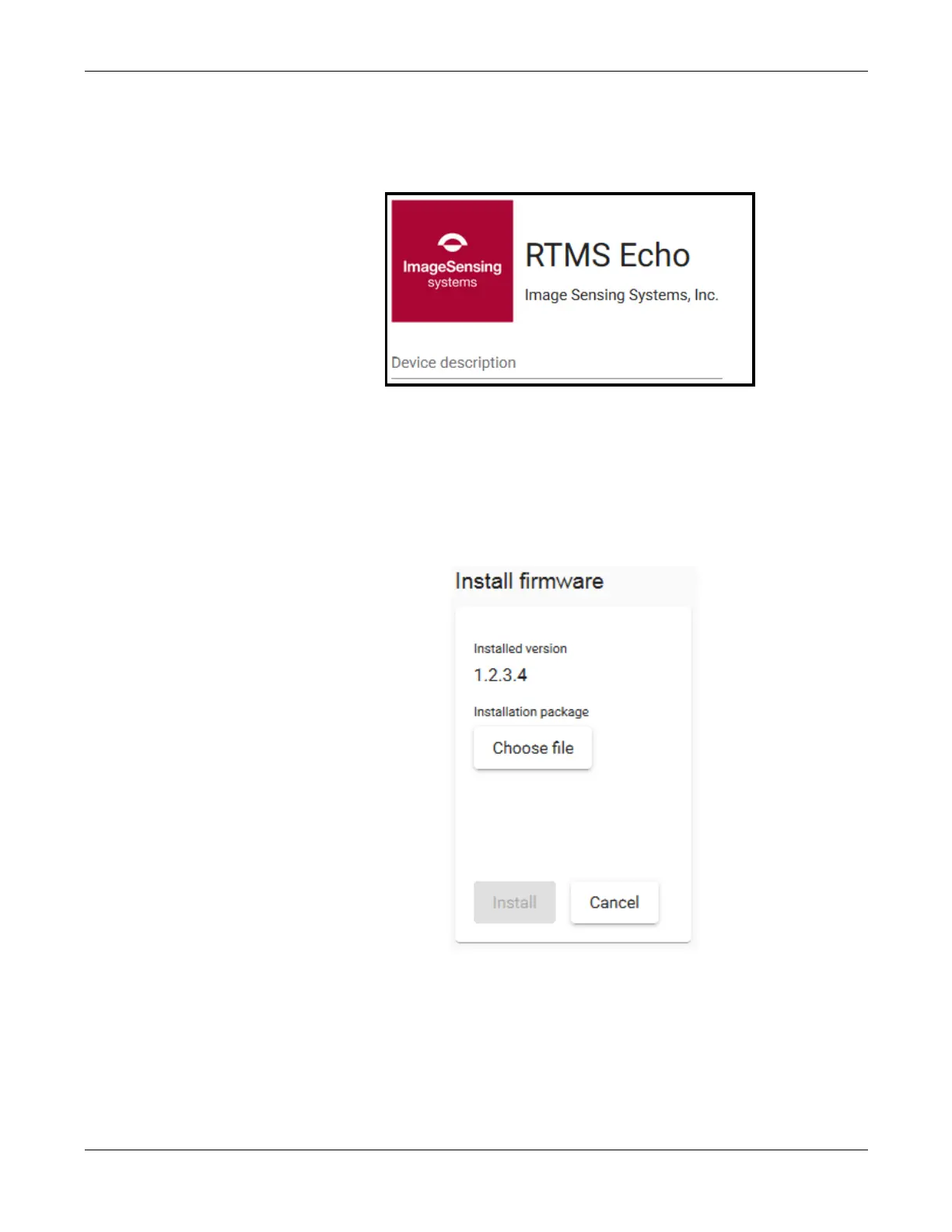
For Device description enter a name for the sensor.
Install Firmware
This function is used to upgrade the firmware in the RTMS Echo sensor.
1. Click the Settings tab.
2. Click Install firmware.
3. Click Choose file.
4. Locate and select the x.x.x.x.issf file (where x.x.x.x is the version
number).
5. Click Open.
6. Click Install.


 To Next Page