Chapter 4: Operations and Adjustments
RTMS Echo User Guide ©2019 Image Sensing Systems Inc. 4-47
Location Setting
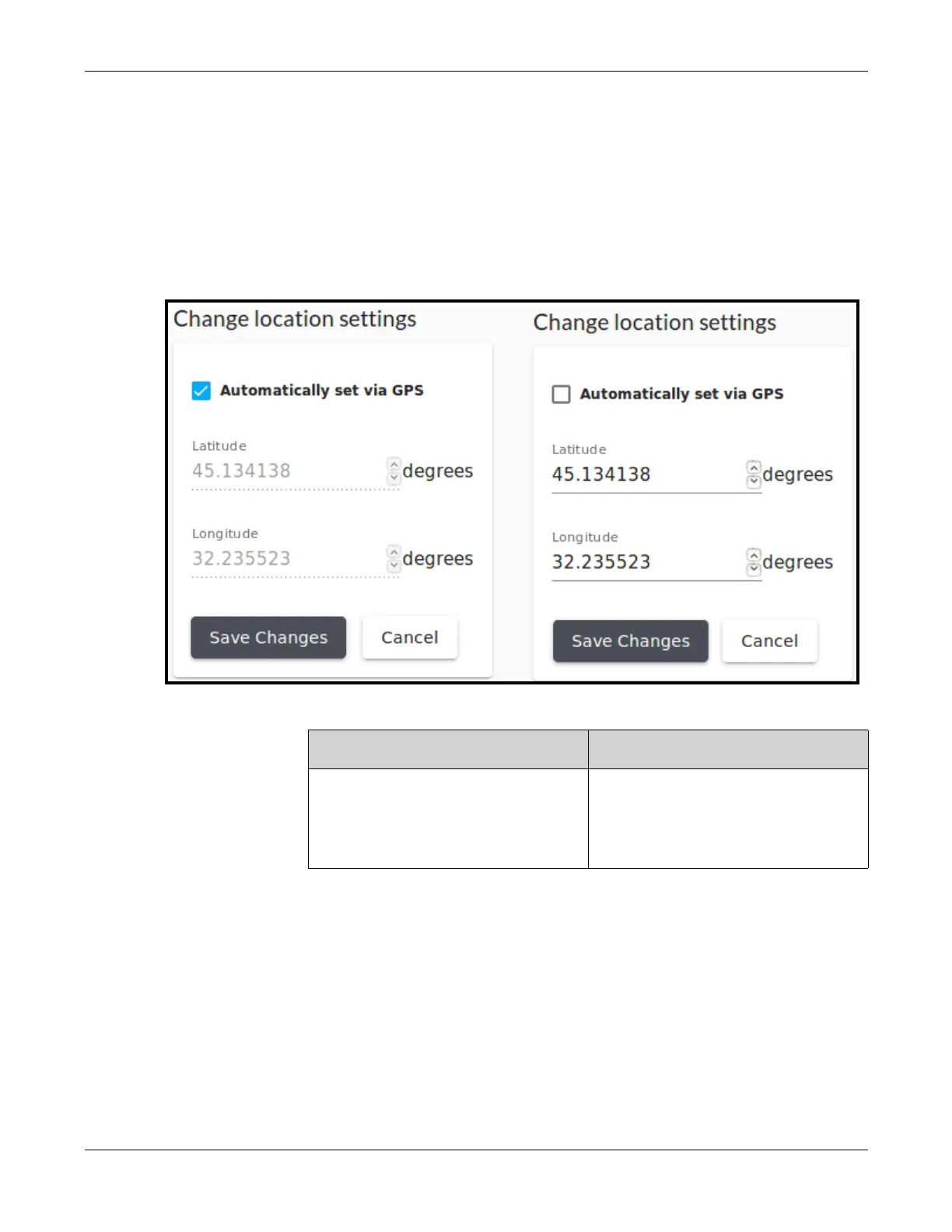
This function is used to set the latitude and longitude of where the RTMS Echo
sensor is installed. The location can either be set automatically by GPS or
manually.
1. Click the Settings tab.
2. In the Location section, click change.
3. Is the location to be set automatically or manually.
4. If a change was made, click Save changes.
Automatically Manually
Select the Automatically set via
GPS check box.
a) De-select the Automatically
set via GPS check box.
b) Enter the latitude and
longitude.


 To Next Page