Chapter 4: Operations and Adjustments
RTMS Echo User Guide ©2019 Image Sensing Systems Inc. 4-45
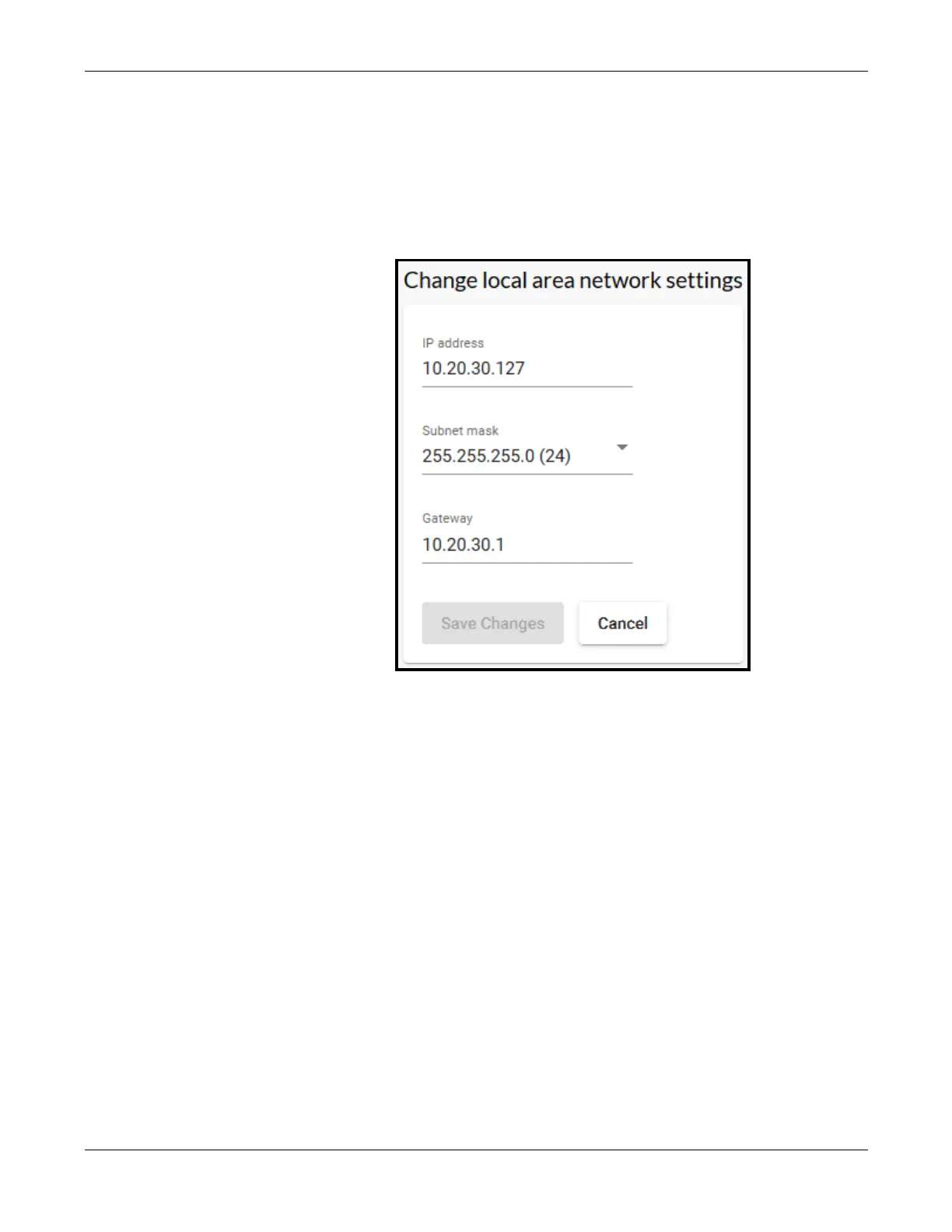
Local Area Network Setting
This function is used to set the IP address of the RTMS Echo sensor.
1. Click the Settings tab.
2. In the Local area network section, click change.
3. Enter the IP address, Subnet mask and Gateway.
NOTE: The default IP address is 192.168.0.10.
4. If a change was made, click Save changes.


 To Next Page