Chapter 4: Operations and Adjustments
RTMS Echo User Guide ©2019 Image Sensing Systems Inc. 4-27
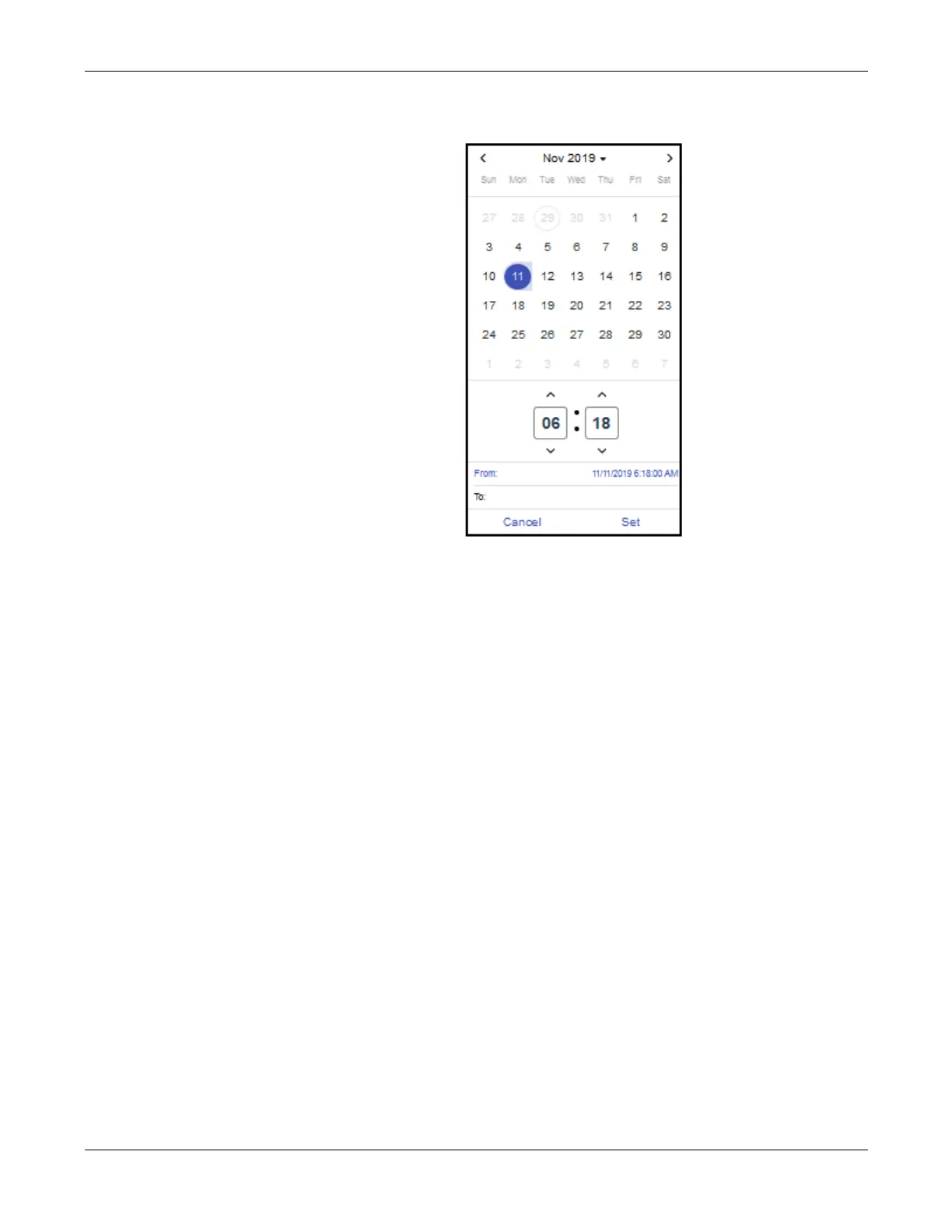
5. Select the starting date and time of the query. It will appear in the From
field.
6. Click in the To field and select the ending date and time of the query.
NOTE: The defaults for date/time are the earliest record to the current date
and time.
7. Click Set.
8. Enter the zone(s) for which data is to be included in the download.
To enter multiple zones, separate each entry with a space (e.g., 1 2 4 etc.),
or with a dash for a range a of zones (e.g., 2-5).
To specify all zones, leave the field blank.
9. Select the time frame and enter the interval for which data is to be included
in the download.
If omitted, the default is 15 minutes.
10. To run the query, click Download.
The requested data is saved as a CSV file in the Downloads folder.


 To Next Page