14
SELECTING PRESET STATIONS
To select a preset station
• Press the
AUDIO INPUTAUDIO INPUT
AUDIO INPUTAUDIO INPUT
AUDIO INPUT key until the display
shows
iNet RadioiNet Radio
iNet RadioiNet Radio
iNet Radio,
FM RadioFM Radio
FM RadioFM Radio
FM Radio, or
AM RadioAM Radio
AM RadioAM Radio
AM Radio as
required.
• Use the
Preset Preset
Preset Preset
Preset A / V keys on the remote control
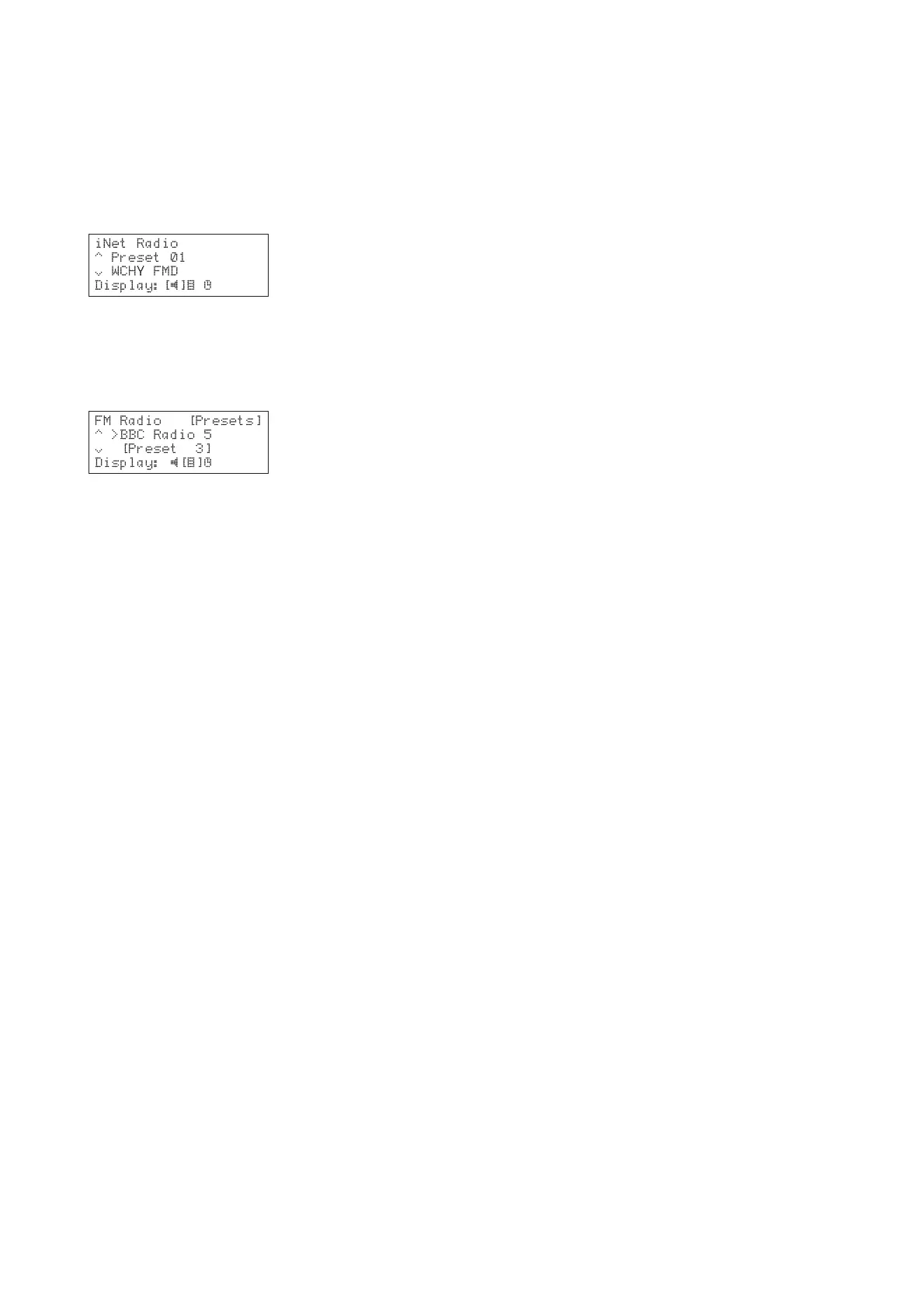
to step between the available preset stations:
To select a preset station from the front
panel (FM or AM only)
• Press the
AUDIO INPUTAUDIO INPUT
AUDIO INPUTAUDIO INPUT
AUDIO INPUT key until the display
shows
FM RadioFM Radio
FM RadioFM Radio
FM Radio or
AM RadioAM Radio
AM RadioAM Radio
AM Radio as required.
• Press the
DISPLAY DISPLAY
DISPLAY DISPLAY
DISPLAY key to switch to browse mode:
• Use the a or v keys to step between the
available preset stations.


 To Next Page