Manual de Instalação e Operação
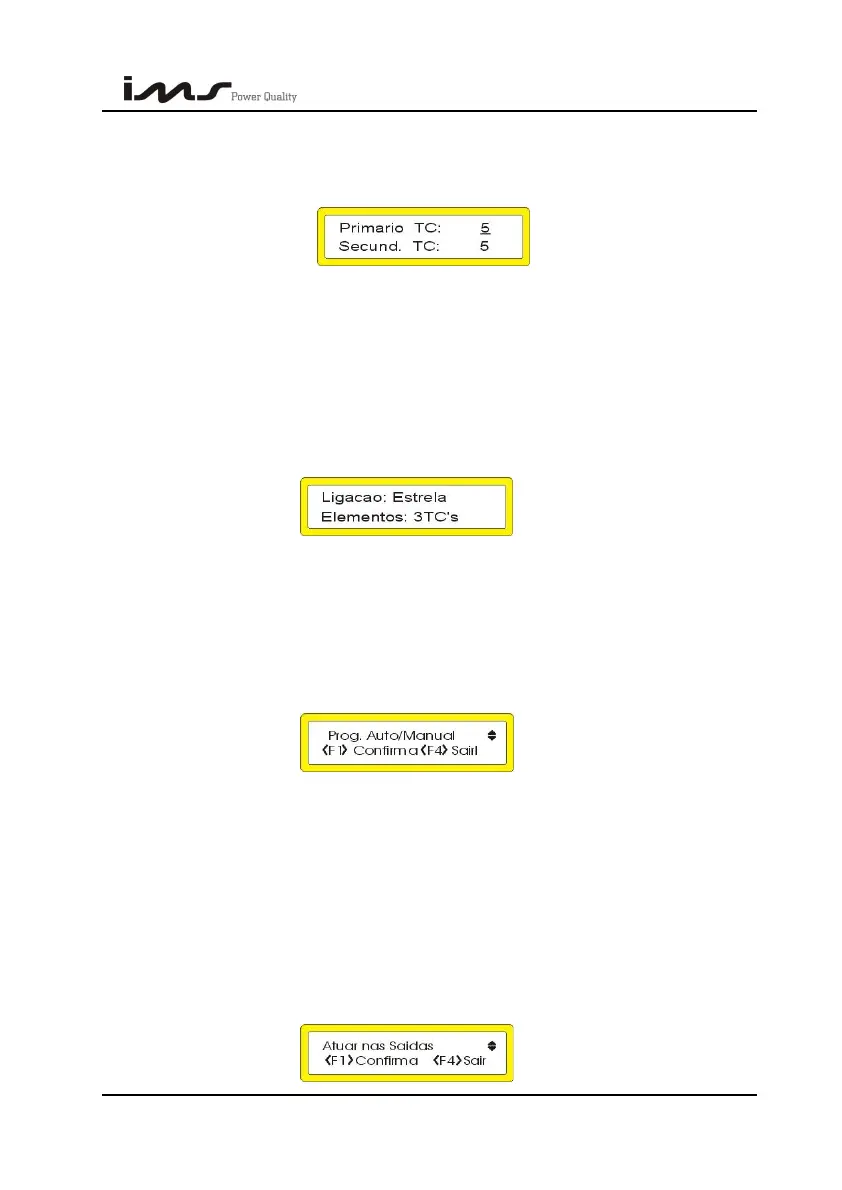
(Primario TP = Primary PT , Secund TP = Secondary PT)
Current transformation relation. Max. 65000 and min. 1
TN
(Primario TC = Primary CT , Secund. TC = Secundary CT)
Program according to the equipment installation.
Type for connection in Delta and for star.
Type F1 to confirm and setup the connection type.
Using the keys ↑ and ↓ change the number of elements according to connection type, 3
or 2 CT’s for the three phase facilities and 1 CT in case your facility is one phase. Type F1
to confirm.
TN
(Ligação: Estrela = Connection : Star , Elementos: 3TC’s = Elements: 3 TCs)
9.2. CONTROL MODE
For this programming press F1 again, entering into screen:
Program according to the equipment installation.
• Type ↑ for automatic control (auto).
• Type ↓ for manual control.
9.3. MANUAL ACTUATION OF THE CAPACITORS BANKS
This screen is for capacitors banks manual actuation.
Press F1 to confirm.
SMART CAP 485 48


 To Next Page