Manual de Instalação e Operação
10.2. VOLTAGES
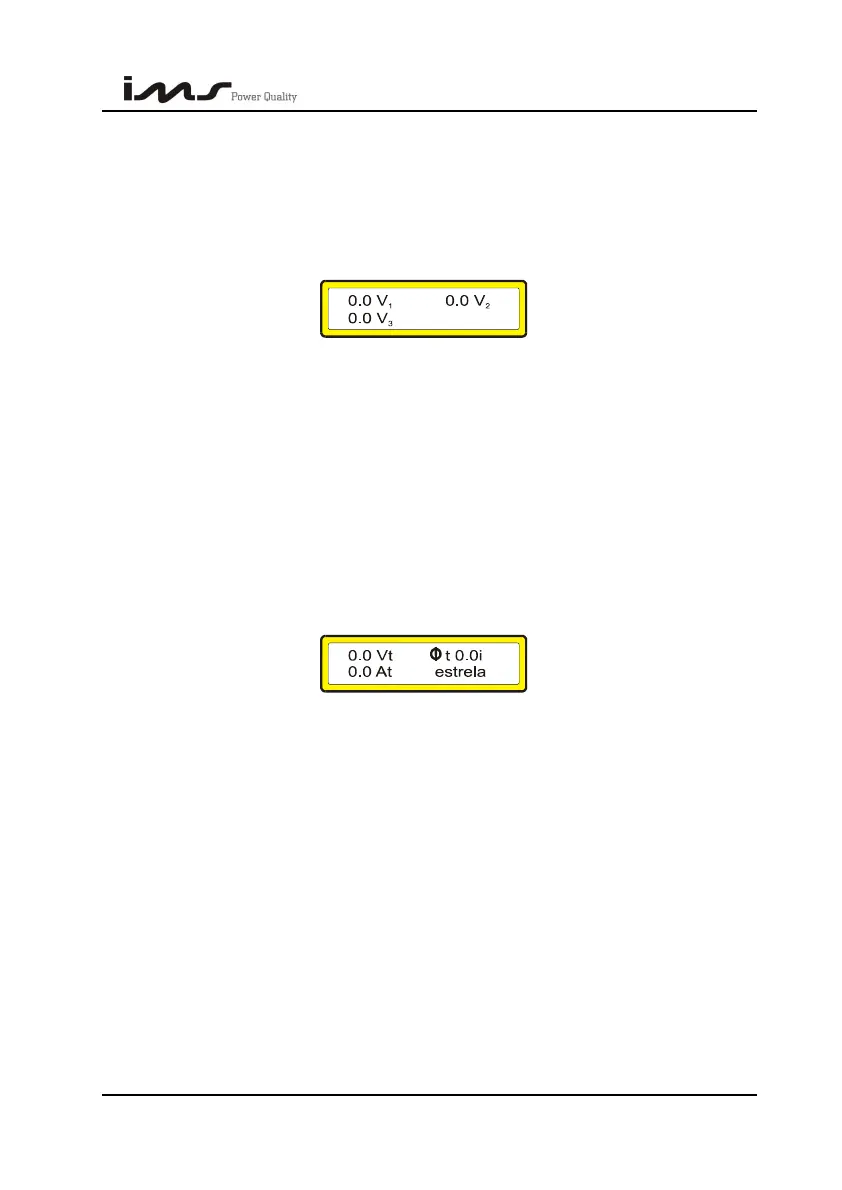
Pressing V it will be shown the screen with the voltage measurement per phase and also
the connection type (delta or star).
This screen shows the one phase values of the voltage, current and power factor when
programmed with 1 CT.
10.3. CURRENTS
Pressing A it will be shown the screen with the current measurements per phase.
This screen shows the one phase values of the voltages, current and power factor when
it is programmed 1 CT.
10.4. TOTAL VALUES (THREE PHASES)
Being on the visualization screens of voltages or current it is enough to press the key
with the upward arrow to be exhibited the visualization screen of average voltage, current
and power factor (three phases) and connection type.
This screen is shown with the three phase values of the voltage, current and power
factor, considering that the system is balanced, when it is programmed with 1 CT.
10.5. POWERS
Pressing W it will be shown the screen with the three phase measurements of power
(Wt), total apparent power (VAt) and total reactive power (VArt).
Pressing the arrows and it will be exhibited the screens with the power measurements
per phase.
SMART CAP 485 56


 To Next Page