Manual de Instalação e Operação
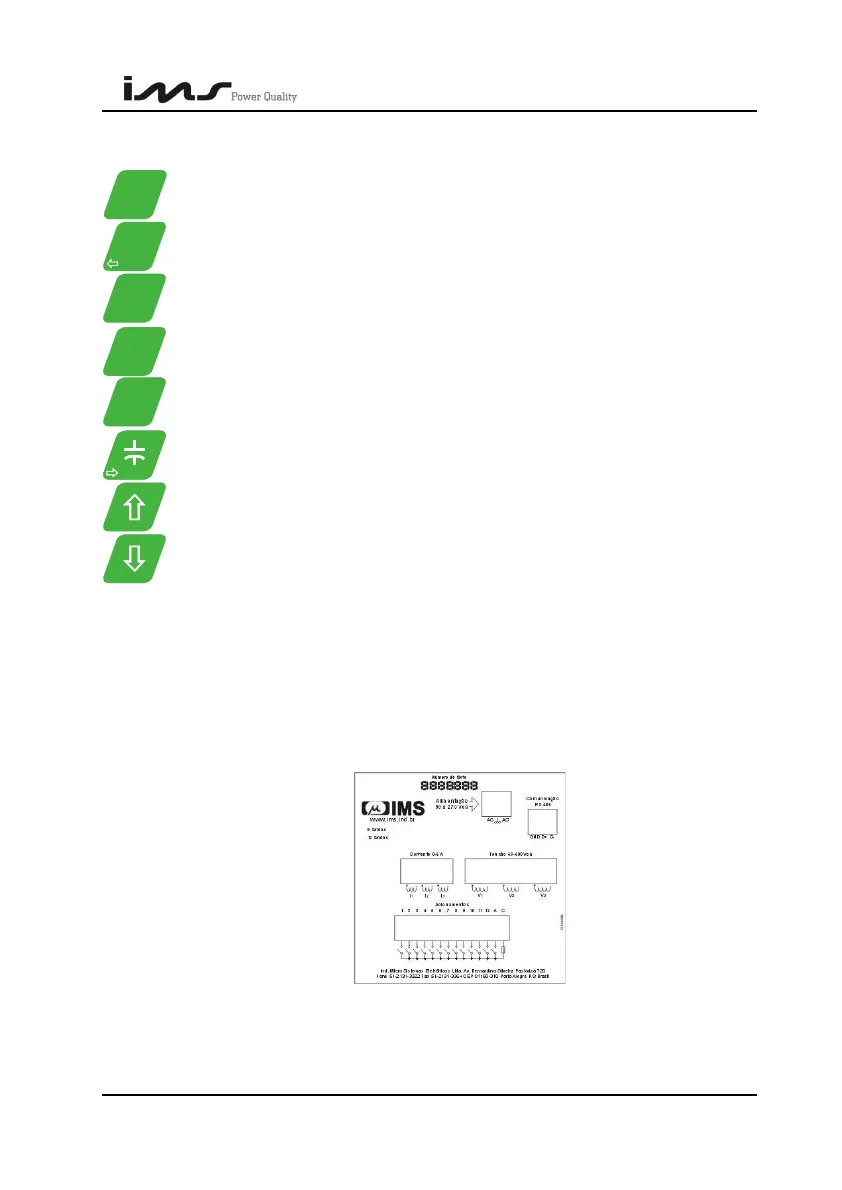
3.1.1. KEYS DESCRIPTION
Visualize voltage and connection type, Key of second function F1
Visualize current.
Visualize power factor, required reactive power, operation mode or shift
the slider to the left
Visualize powers
Visualize Thd and voltages harmonics and frequency. It enables
harmonics
Visualize number of commutations, setup parameters of capacitors banks
or shift the slider to the right.
It increases, or passes to the next screen.
It decreases or passes to previous screen. Activates second function of
other keys.
3.2. BACK PANEL
Through the back panel they are made all the connections of Smart Cap 485.
The following illustration presents its back panel.
SMART CAP 485 36


 To Next Page