Remove large chips on the inside of the work area door from top to bottom. Use
a chip hook for this purpose.
2.
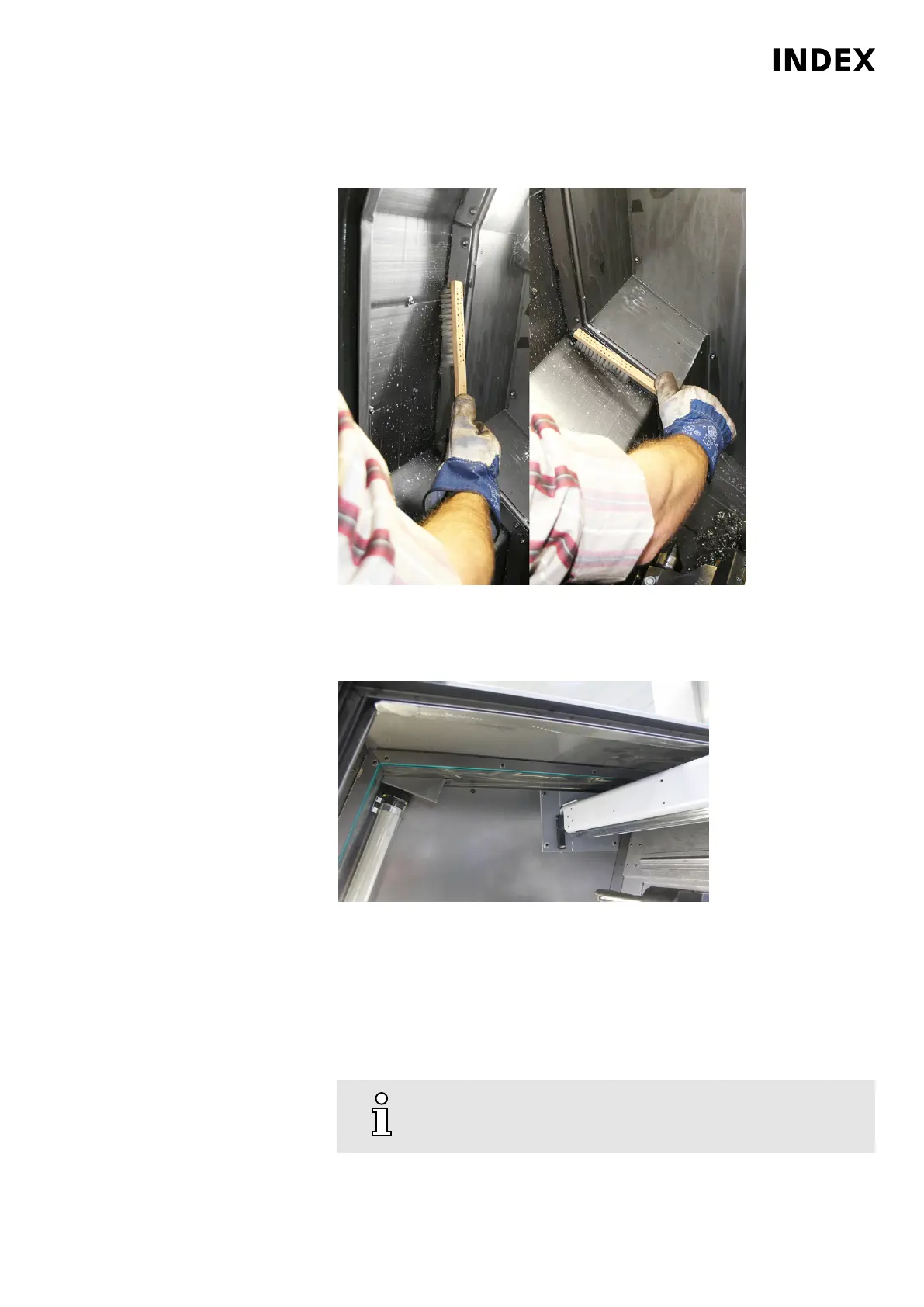
Example: 2 Sweep small chips and other debris from top to bottom using chip brooms or brushes.
Remove small chips and chip accumulations on the inside of the work area
door from top to bottom. Use a chip brush for this purpose.
3.
Example: 3 upper wipers, G300
Clean wipers.
Alternatively, the following procedure can be used!
In case of heavy soling or adhesion of chips to the wipers, the wipers and
associated cover plates should at any rate be completely removed and
cleaned. In this case, also clean the area behind the wipers.
4.
Make sure that the wipers evenly contact the work area door,
before tightening the screws.
Maintenance Summary - 2.000 Operating hours
43
Maintenance Instructions
C200
LP1702.10021 - 05.06.2019



 To Next Page